Description
-
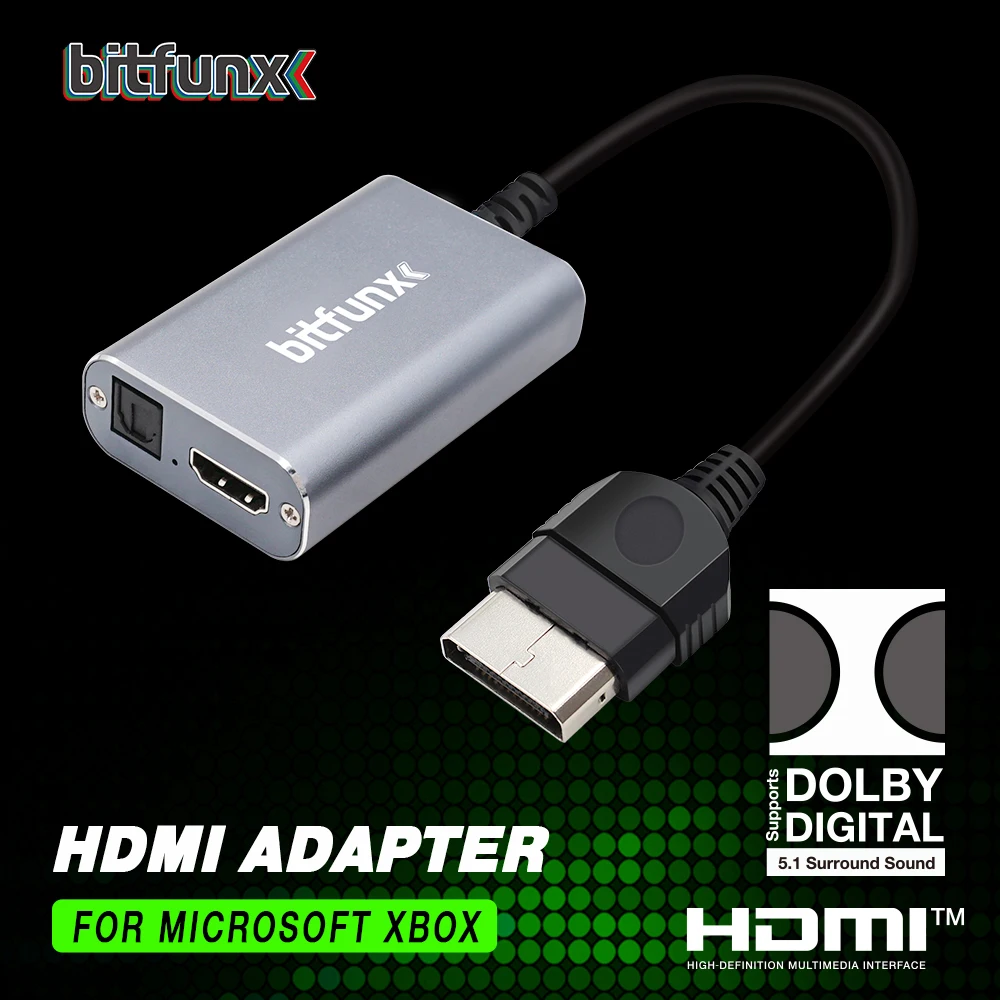
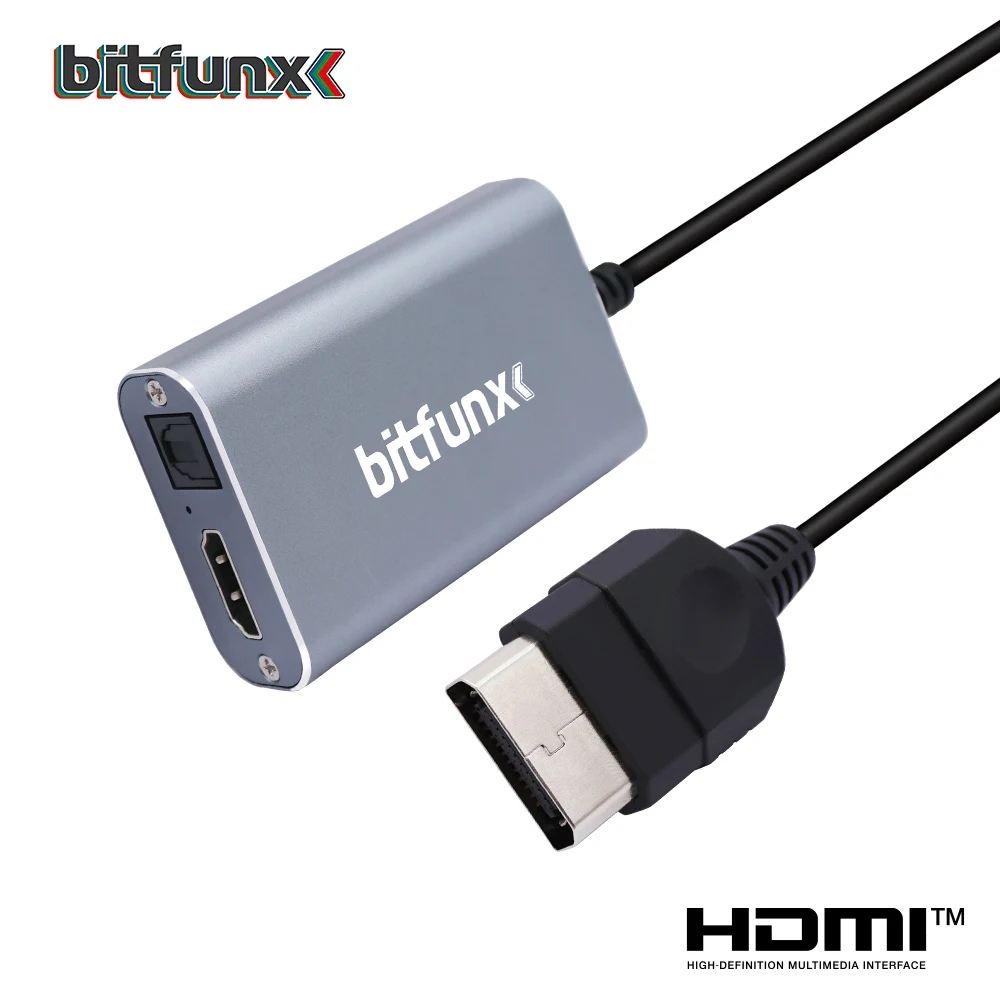
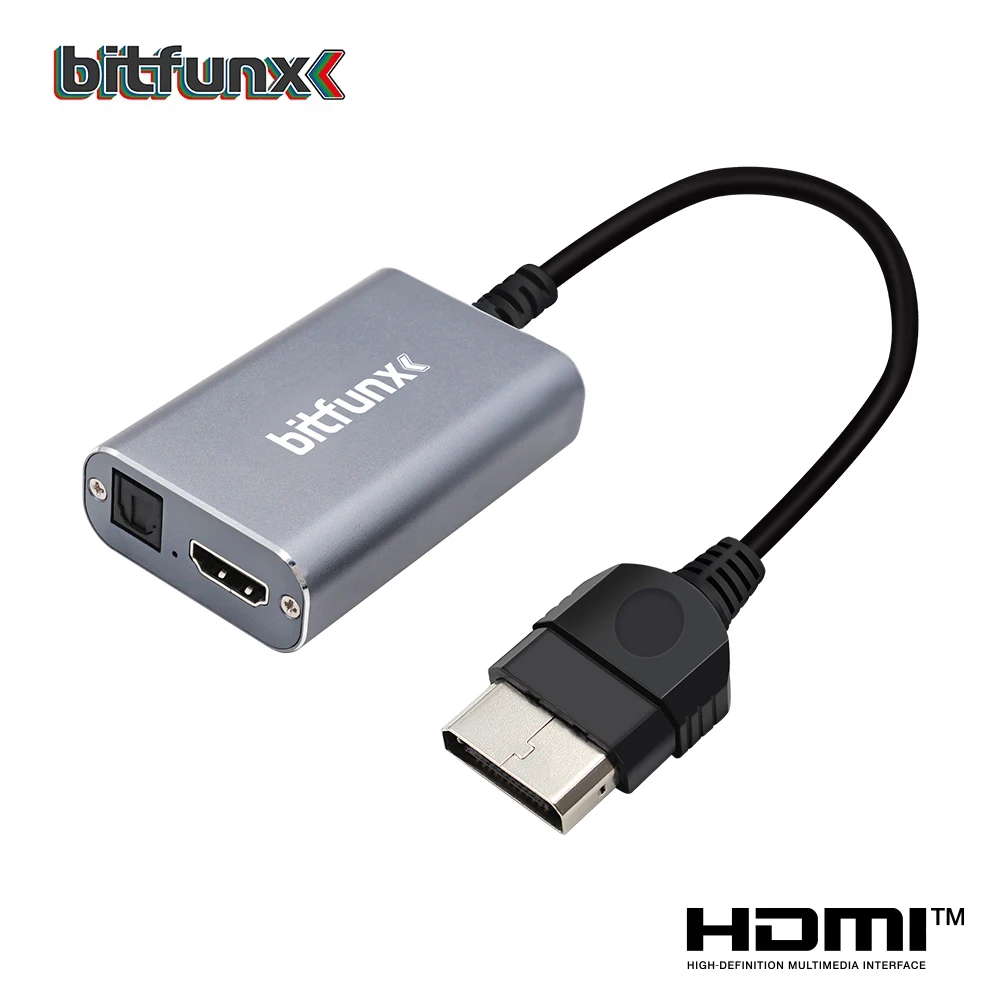
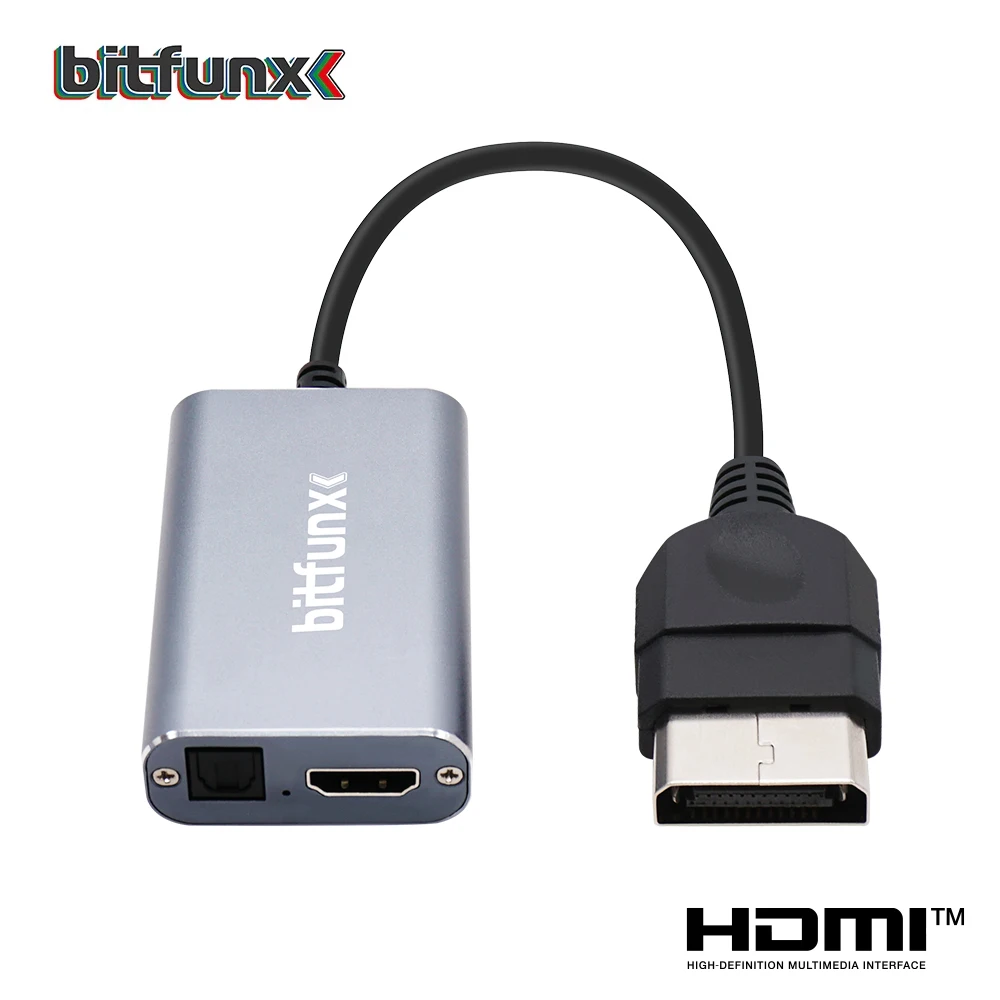
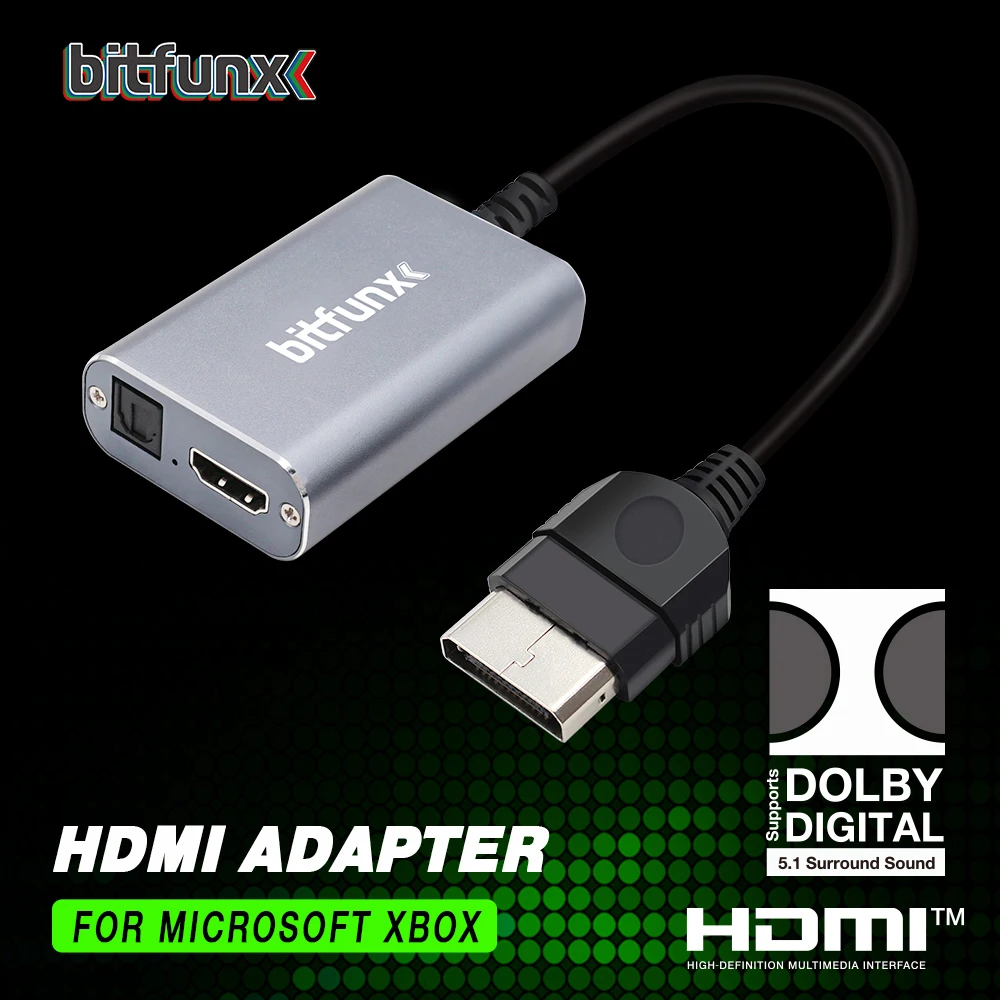
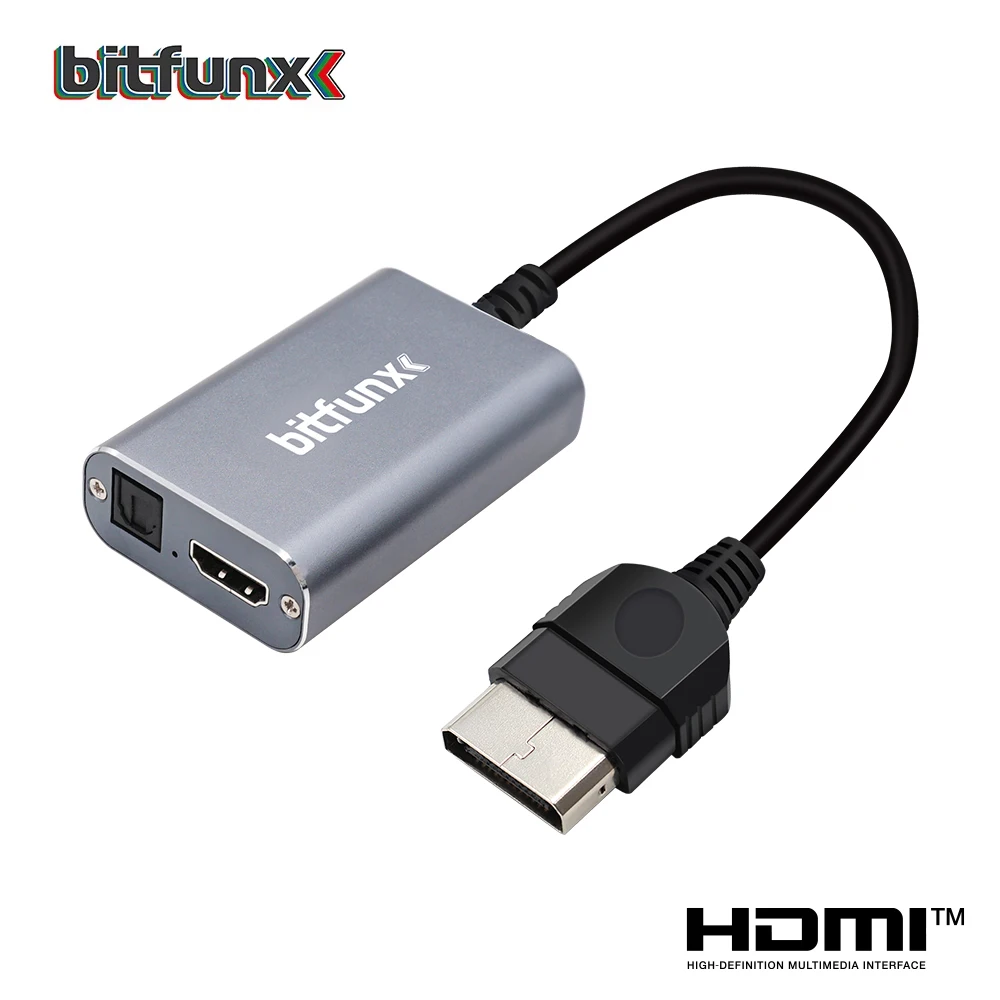
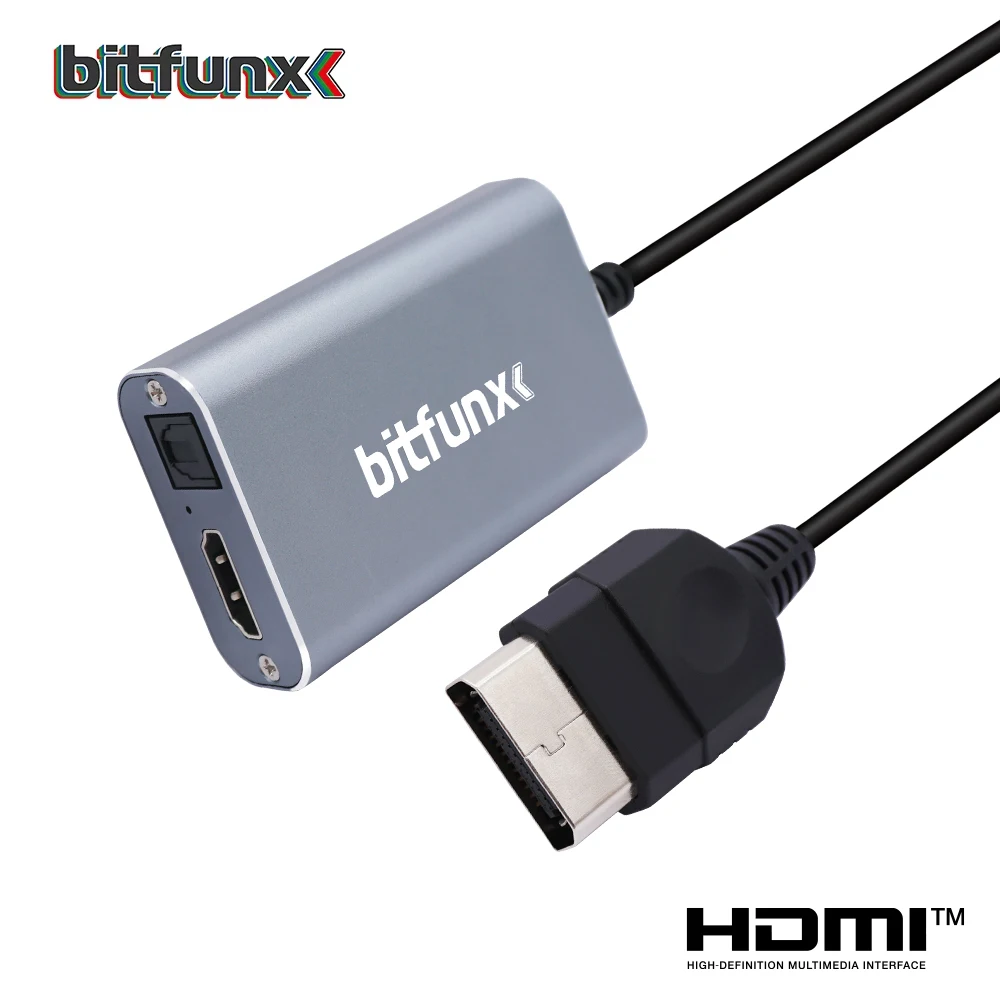
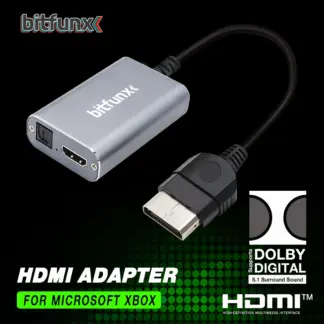
BitFunx HDMI™ Adapter for Original Xbox – Component (YPbPr) to Digital HDMI™ Converter with Optical 5.1 Dolby Digital Audio
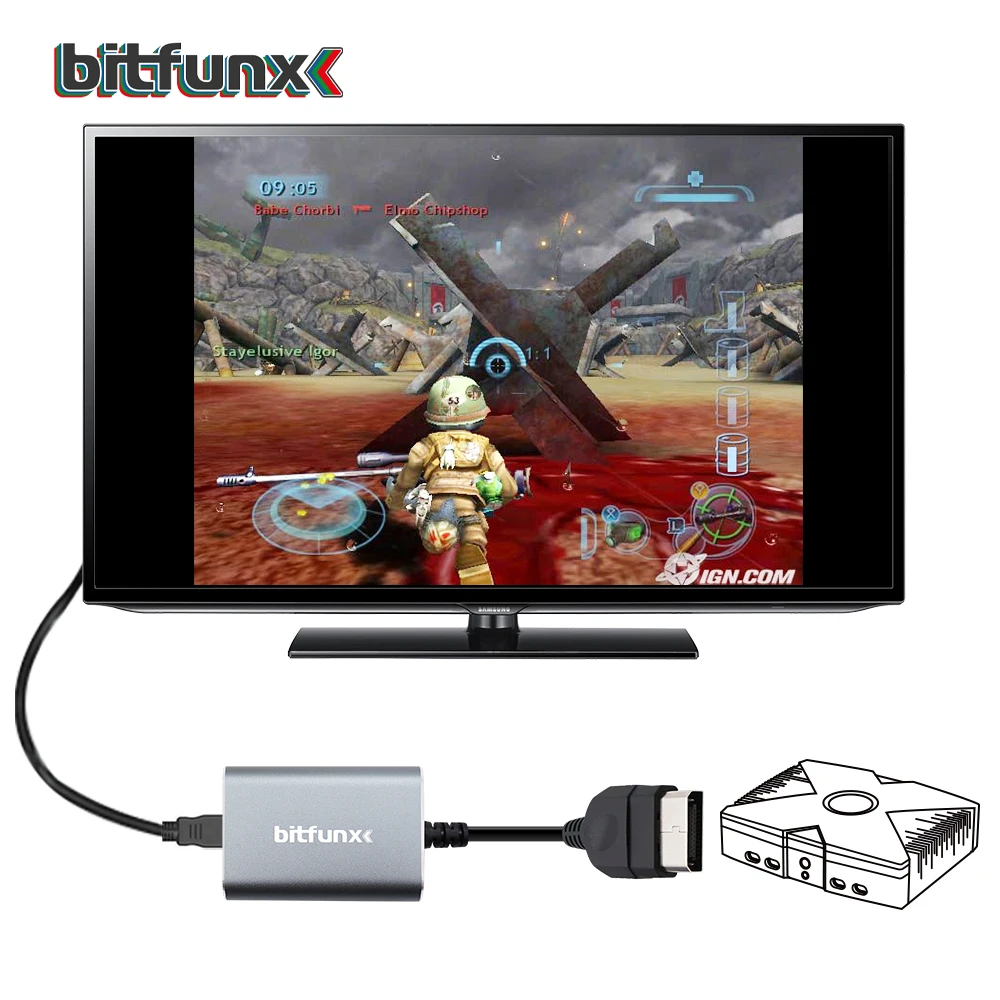
Connect your original Microsoft Xbox to modern TVs and monitors with the BitFunx HDMI™ Adapter. Designed specifically for the classic Xbox, this adapter converts the console’s native component (YPbPr) video signal into a clean digital HDMI™ output, allowing you to enjoy your favorite retro games on today’s displays without complicated setup.
Supporting all official Xbox display modes up to 1080i, the adapter delivers sharp digital video and crystal-clear audio through a single HDMI™ connection. It also features a dedicated optical (TOSLINK) audio output, enabling full Dolby Digital 5.1 surround sound when connected to a compatible AV receiver or amplifier.
With true plug-and-play operation, no external power supply, and no additional drivers required, it’s the ideal solution for bringing your original Xbox into your modern entertainment setup.
Features
- Designed for the original Microsoft Xbox
- Converts native Component (YPbPr) video to digital HDMI™
- Supports video and stereo audio over a single HDMI™ cable
- Optical (TOSLINK) audio output for Dolby Digital 5.1 surround sound
- Compatible with HDTVs, monitors, projectors, and HDMI™ capture devices
- Plug-and-play design with no external power adapter required
- Compact and lightweight construction
- Low power consumption (under 2W)
Supported Display Modes
Supports all original Xbox video modes, including:
- 480i
- 480p
- 576i
- 576p
- 720p
- 1080i
Audio Support
- Stereo audio over HDMI™
- Dolby Digital 5.1 surround sound via the optical (TOSLINK) output
- Ideal for connection to compatible home theater receivers and amplifiers
Note: Dolby Digital 5.1 requires a separate optical (TOSLINK) cable and a compatible AV receiver or amplifier. Stereo audio is available through HDMI™ without additional cables.
Specifications
- Brand: BitFunx
- Model: XLL-BitFunx-XBOX-HDMI-Optical-Port
- Product Type: HDMI™ Adapter
- Compatible Console: Original Microsoft Xbox
- Video Input: Component (YPbPr)
- Video Output: Digital HDMI™
- Supported Audio: Stereo HDMI™, Optical Dolby Digital 5.1
- Dimensions: 68 × 43 × 18 mm
- Cable Length: 255 mm
- Weight: 75 g
- Power Consumption: Less than 2W
- USB: No
- High-Concerned Chemical: None
- Origin: Mainland China
Package Includes
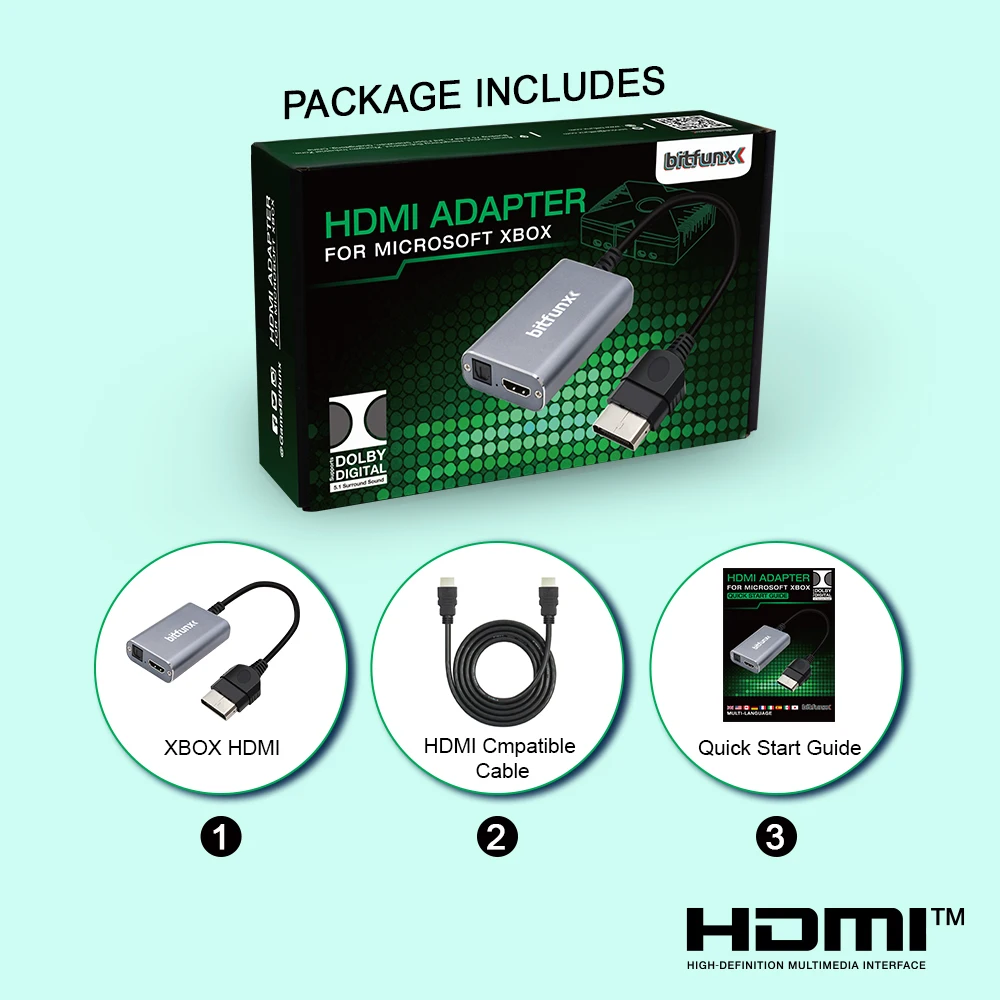
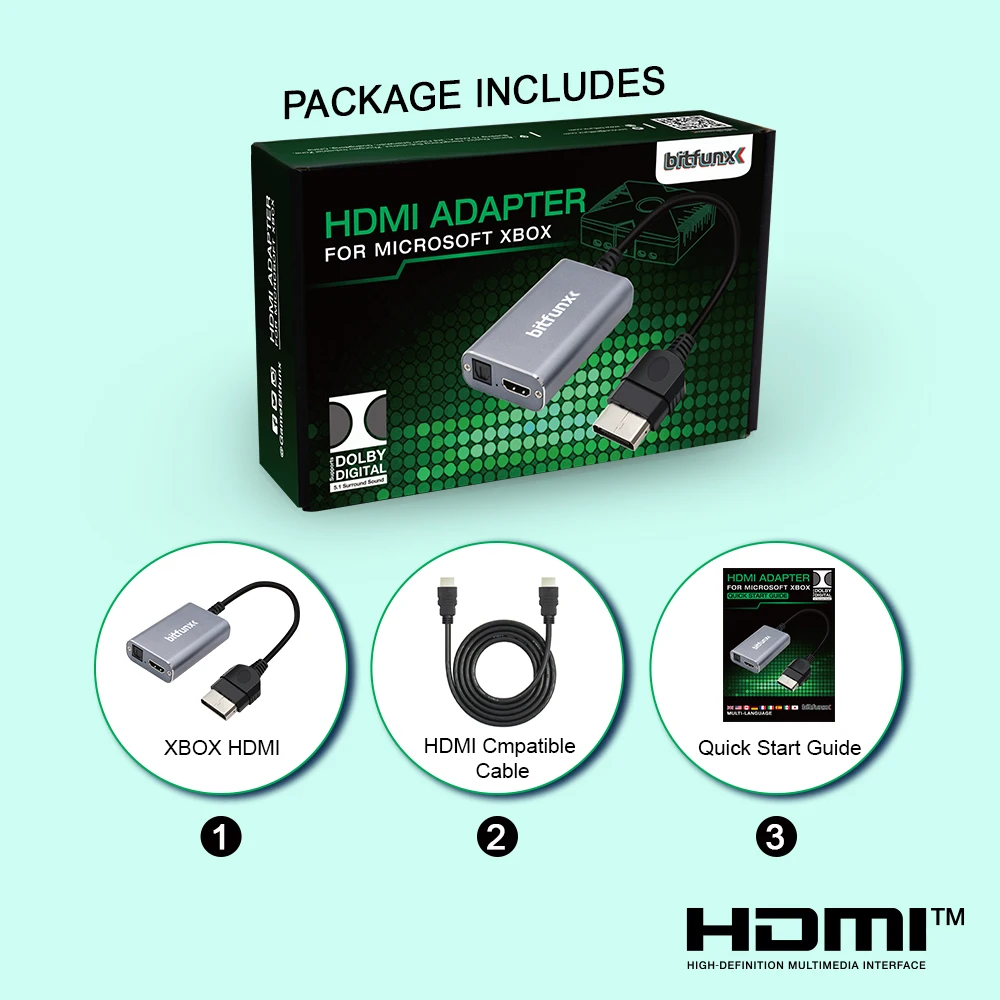
- 1 × BitFunx HDMI™ Adapter for Original Xbox
Installation
- Disconnect the existing AV cable from your original Xbox.
- Connect the BitFunx HDMI™ Adapter to the Xbox AV port.
- Connect an HDMI™ cable (not included) from the adapter to your TV or monitor.
- If using surround sound, connect an optical (TOSLINK) cable from the adapter to a compatible AV receiver.
- Turn on your Xbox and select the correct HDMI™ input on your display.
- Start gaming—no drivers or external power supply required.
Important Notes
- Compatible with the original Microsoft Xbox only. Not compatible with Xbox 360 or Xbox One consoles.
- HDMI™ cable and optical (TOSLINK) cable are not included.
- This adapter does not upscale or enhance the original video signal. It converts the Xbox’s native component output to a digital HDMI™ signal while preserving the original image quality.
- For advanced video processing, scaling, or scanline options, a dedicated external scaler may be required.

Reviews
There are no reviews yet.