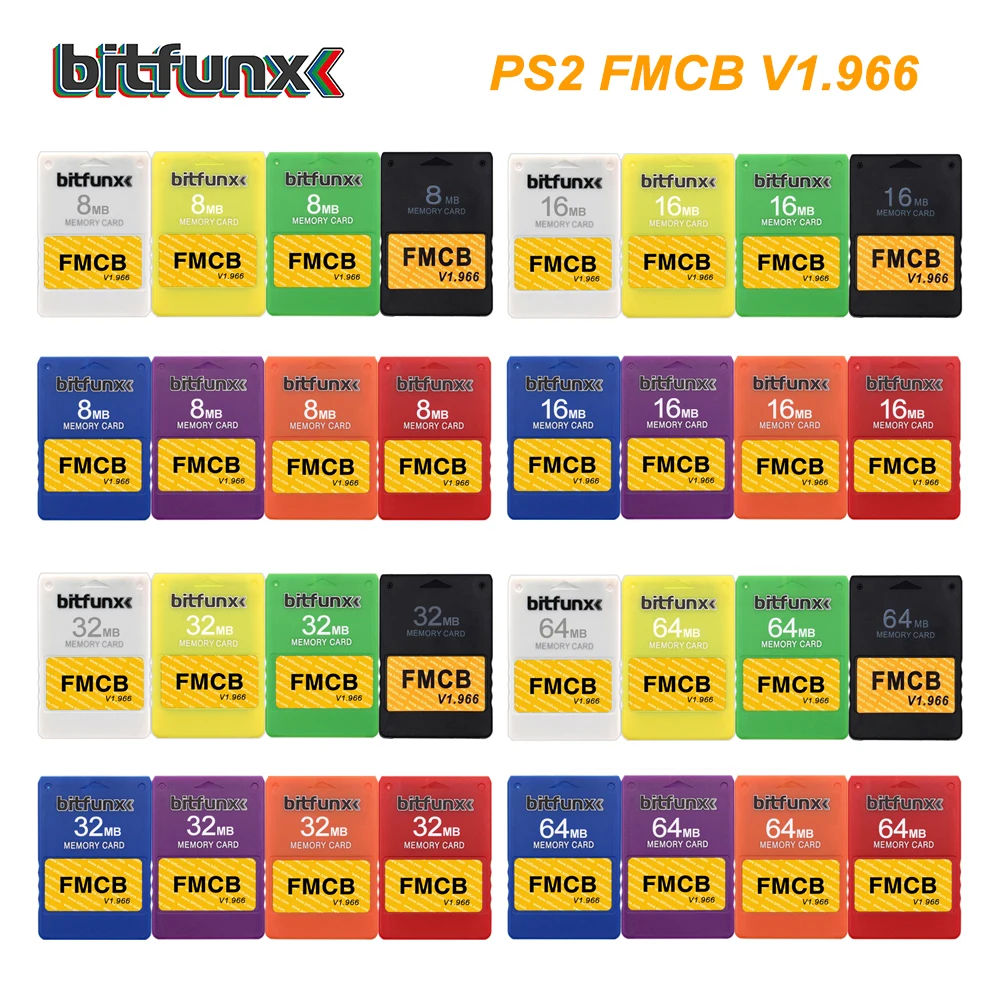
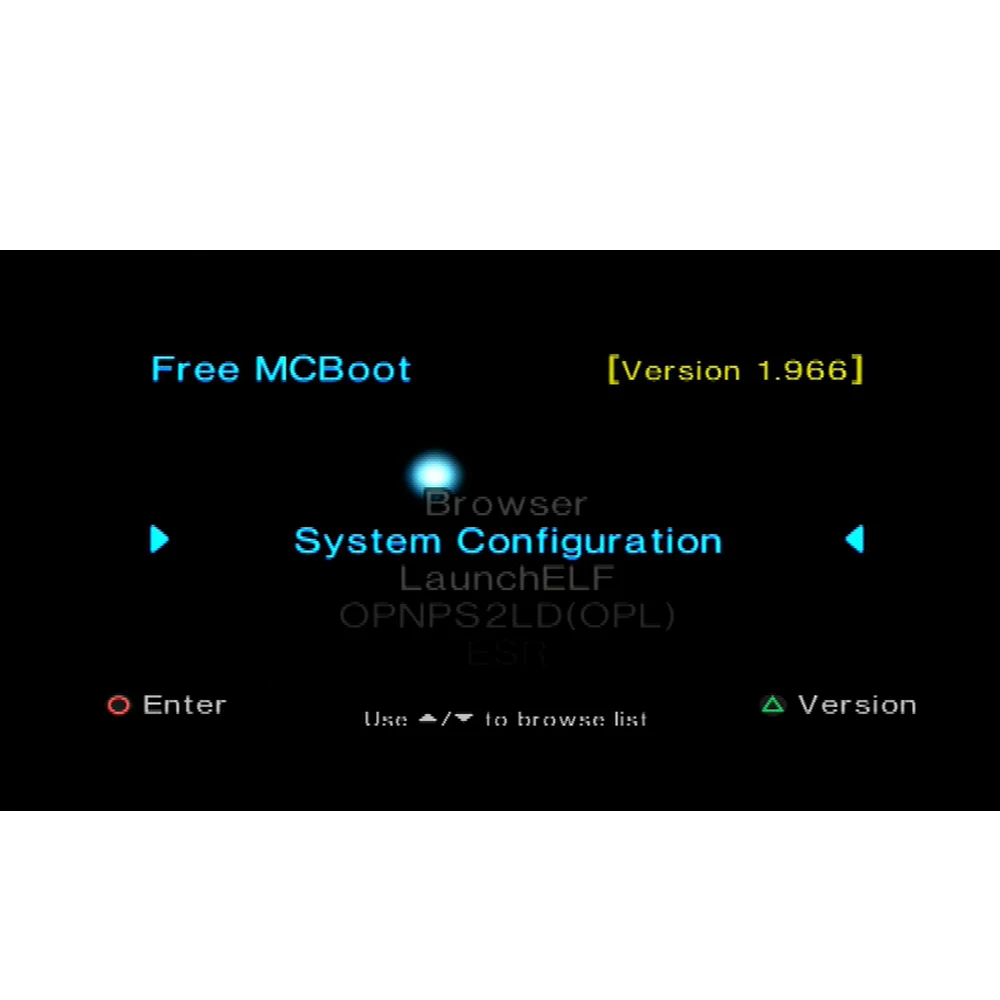
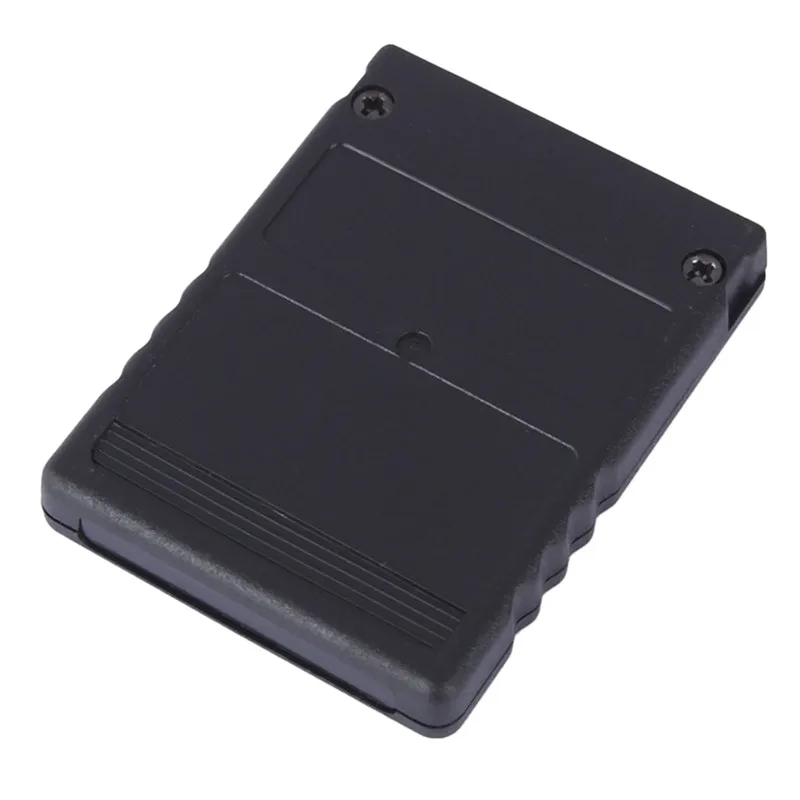
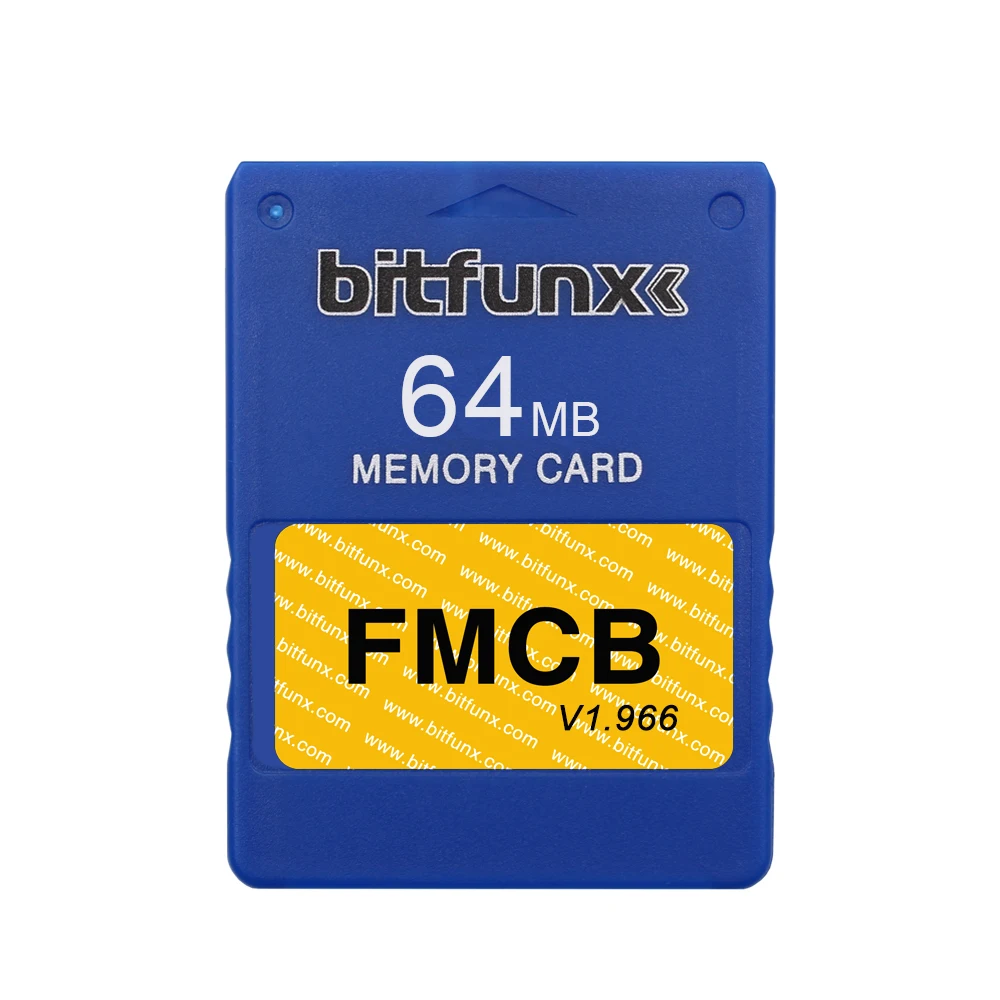
Description
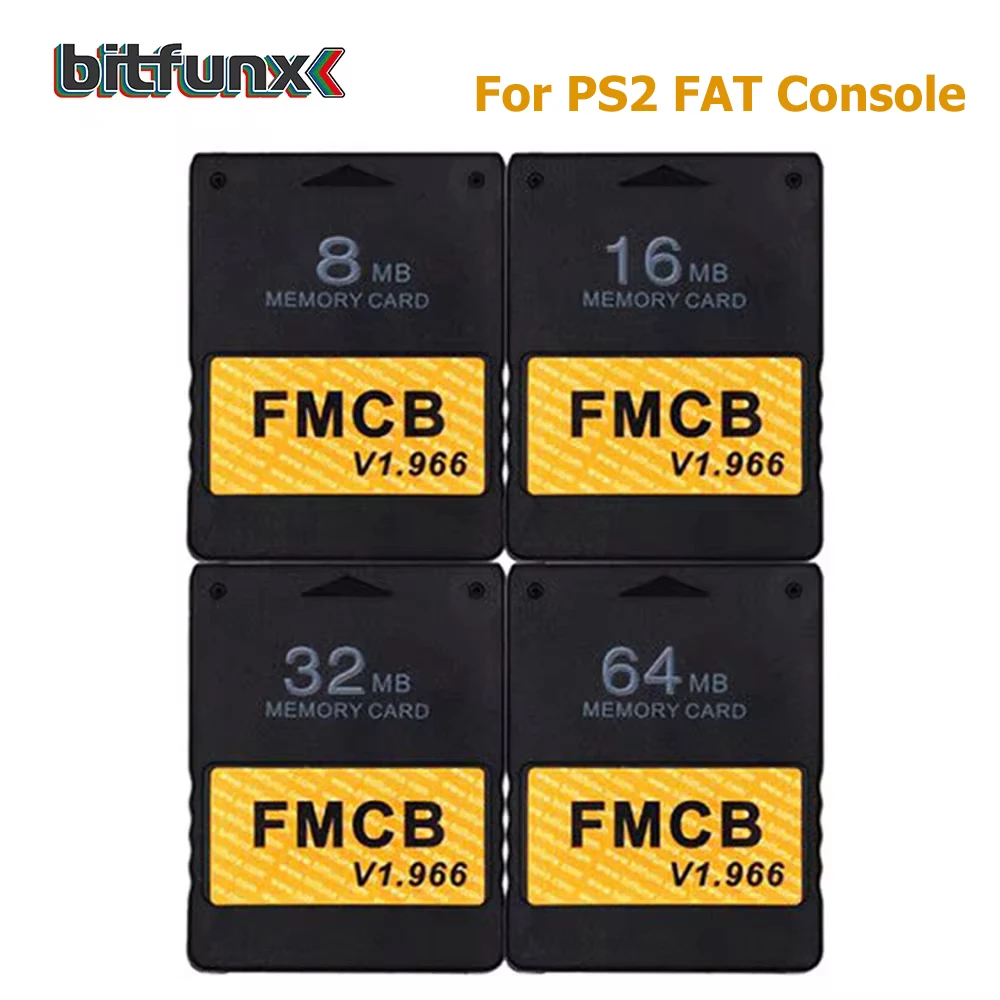
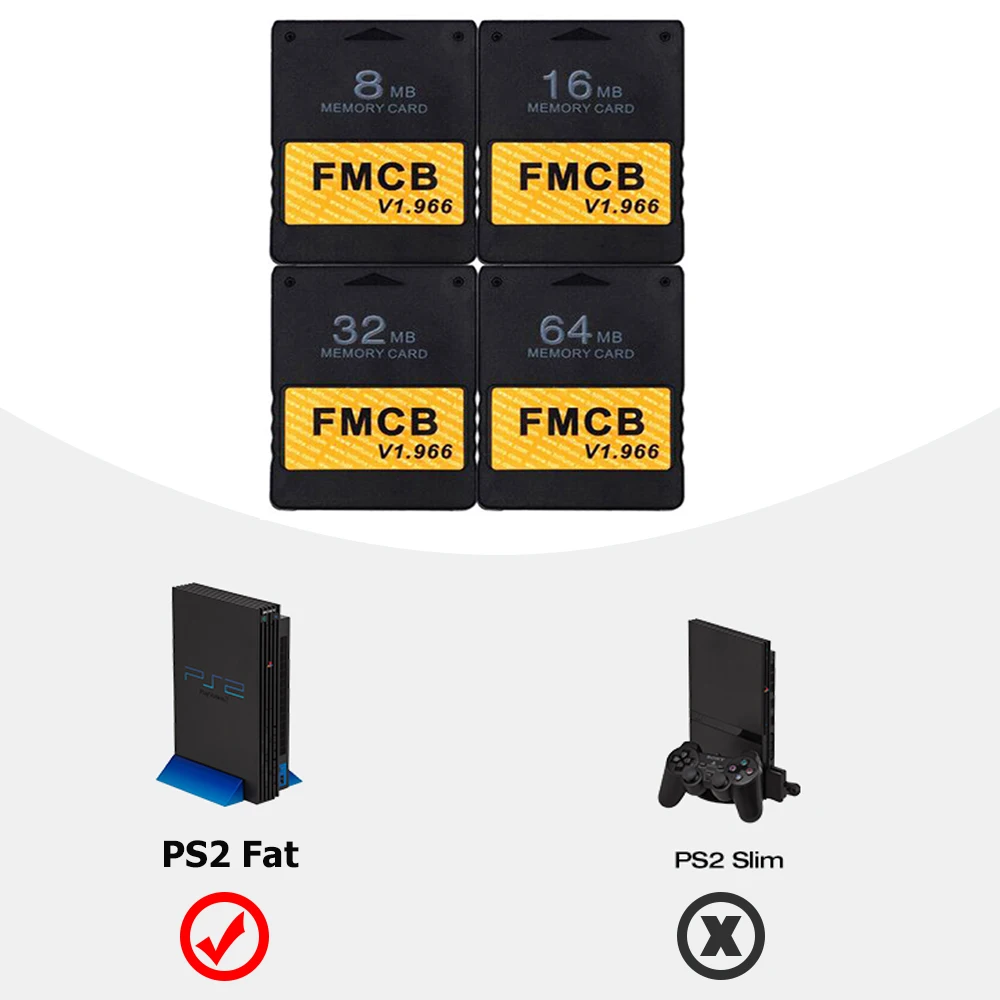

|
|
|
|
|
Operation Software:
|
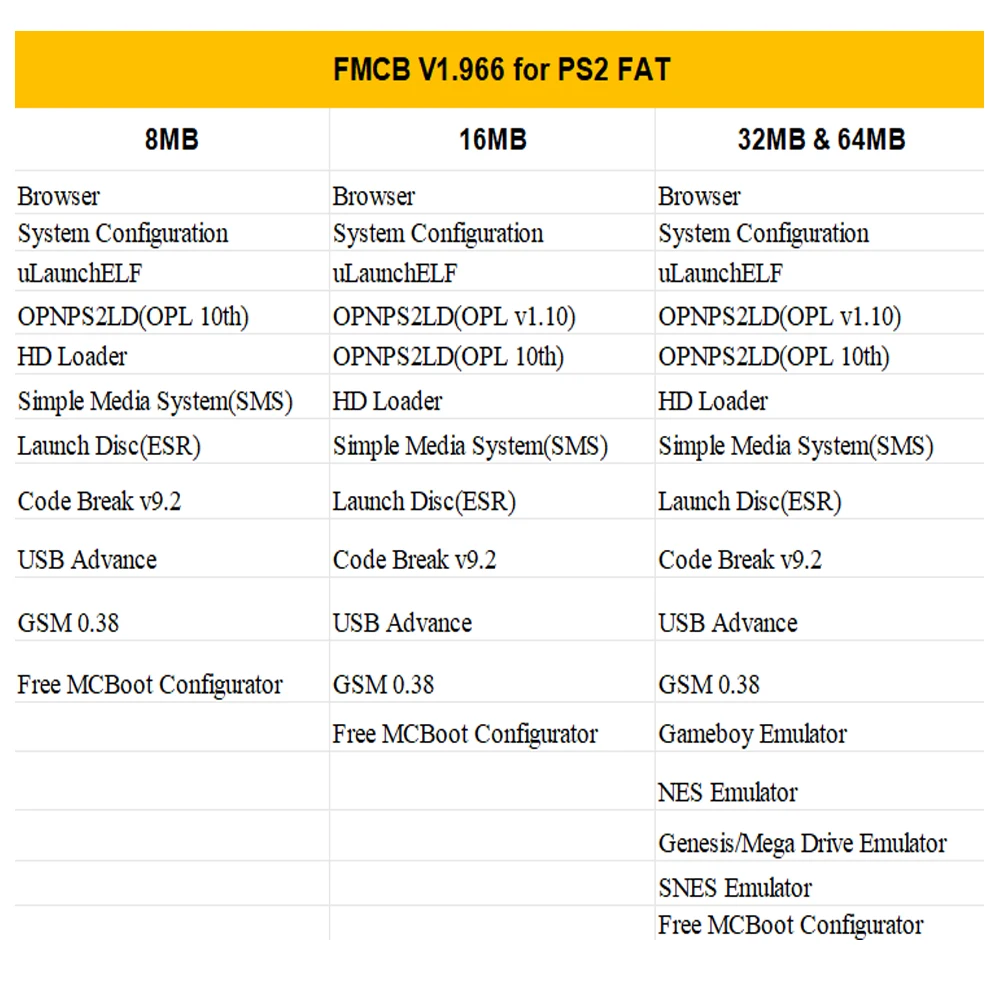
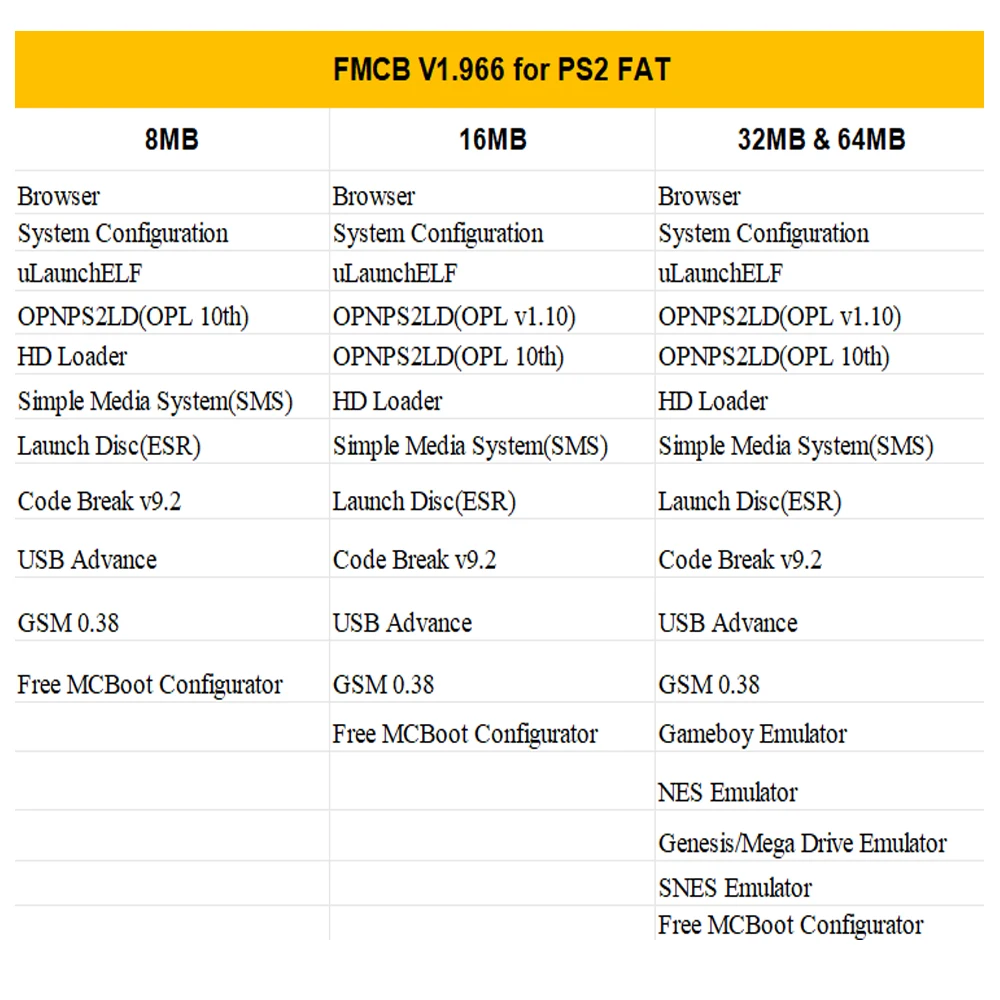
uLaunchELF
uLaunchELF also known as uLE (abbreviated) is an open source file manager and executable launcher for the Playstation 2 console based off of the original LaunchELF. It contains many different features, including a text editor, hard drive manager, as well as network support, and much more.
ESR ( Launch Disc)
ESR is a homebrew app made specifically to work with FMCB to allow you to play backup games on self-create DVD discs . You will have to patch the game before burring into DVD disc.
Please Note: CDs format are not supported.
OPENPS2Loader v0.9.3 [OPL v0.9.3]
Open PS2 Loader (OPL) is an application designed to allow you to play your backup ps2 games from an Internal HDD, a local Hard disk, a connected USB disk or USB Hard disk.
Only the 16MB/32MB/64MB support multiple languages , including English French German Italian Russian Spanish and Japanese .
HDLoader 0.8c
HDloader allow you to play backup games from an Internal HDD
Code Break v9.2
The CodeBreaker is an accessorythat alters a video game’s code, giving the user various cheats and other advantages.
ulaunchELF v4.4.2d
uLaunchELF also known as uLE (abbreviated) is an open source file manager and executable launcher for the PS-2 console based off of the original LaunchELF. It contains many different features, including a text editor, hard drive manager, as well as network support, and much more.
Sample Media System(SMS)
Using this program you can view multimedia files including DIVX, AVI, XVID, MPEG, MP3, etc … on your PS-2 console.
USB Advance
If you want use USB disk or USB HDD to play games, USB Advance will be a good choose
GSM v0.38
GSM intends to make on-the-fly conversion from the original graphic mode of games (or application) choosen by user, to the ones he/she wants to force.
PS2infoGB (GameBoy Emulator) – only included in 32/64MB
PS2InfoGB is a GameBo emulator for the Playstation2. Recommand using the USB storage to placed your ROMS.
PS2FCEUltra 0.9.3 (NES emulator) – only included in 32/64MB
A NES emulator, support playing games on usb,mc,and hdd. More information please visit the website
PGEN v1.5.1 (Genesis/Mega Drive emulator) – only included in 32/64MB
PGEN is a Genesis/Mega Drive emulator which allows you to run your favorite roms directly from the hard drive (which can also be run from a memory card and USB).
SNES-Station (SNES emulator) – only included in 32/64MB
SNES-Station is a SuperNintendo/SuperFamicom emulator for the Playstation 2. For the extreme newbs, that means you can play your Super Nintendo games on your PS2 by using ROMs placed on the CDROM, USB, MC, and HDD.
FAQ:
When I plug it into the ps2 console and power on, it’s not work. The ps2 console can’t find FMCB.
This situation is mostly caused by poor connection between FMCB and the PS2 console, in other words the gold finger of the FMCB board and the PS2 console are not in good connection. There are two steps fix it out. Step 1.You need open the FMCB card with Philips screwdriver and clean the dash on the gold fingers on the pcb board. Step 2. Fix the PCB board position on the case, make sure the pcb board lying flat and not skewed. Then you can assemble back and test it again.
What is the OPL ? what can I do with OPL ?
Open PS2Loader (OPL) is an application designed to allow you to play your backup games from an Internal HDD, a connected USB disk or USB Hard disk.
How to install backup games into internal IDE HDD ?
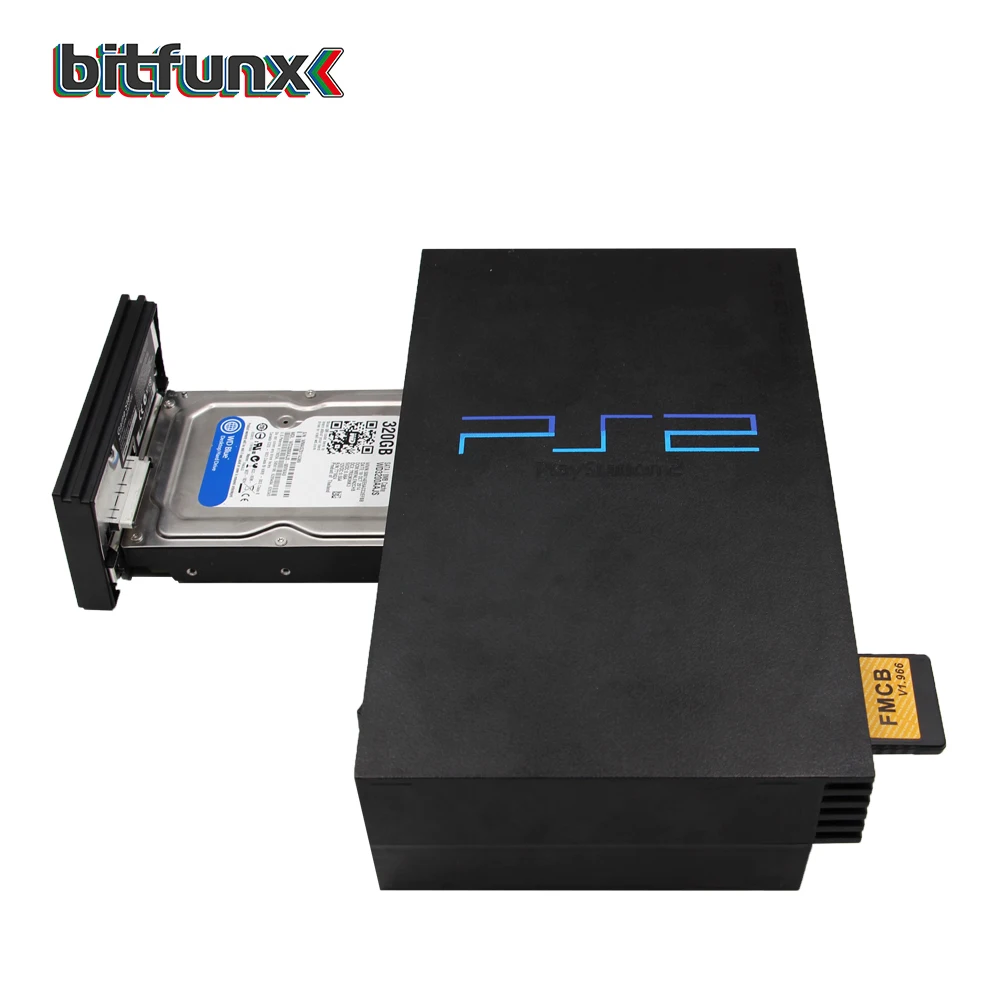
The internal HDD is the normal 3.5 IDE HDD, if you are using a SATA network adapter, you can use 2.5” and 3.5” Hard Disk. If you have ps2 console SPCH-3xxxx or SPCH-5xxxx, congratulations ! With the Network Adapter , you can use the OPL which has been installed on the FMCB to play backup games in the internal HDD, the games run fast and smoothly.
But how games are installed into the HDD. Frist you need to connect your IDE/SATA HDD to your computer, Then use the windows Software WinHIIP to instal theps2Games into your harddisk.
If you need IDE/SATA HDD with Full of games, please click our store.
How to burn backup games into USB disk or USB Hard disk ?
1.Format your usb disk
Run the FMCB card in your ps2 console, plug your usb disk to console and then open the software USBAdvace which has been installed in your FMCB , then choose your usb device and click the format button on the right side of the screen.
2.Burn games into your usb disk which has been formatted.
open USBAHD_GameInstall.exe (you can get it from google) and chose the iso games and burn it to your usb disk.
3.Replug you usb disk to your console and use the USBAdvance or OPL to play games.
Call for video:
If you want to provide us with a review video for free, it will be very appreciated, we will share the video on this product page with others.
If you want to know anything about video game console hack/jailbreak stuff, you can contact me, I will tell what I know.
Reviews
There are no reviews yet.