Description
- Number of Compartments: No
- Bluetooth range: NO
- Occasion: Others
- Portable: No
- Platform: Other
- High-concerned chemical: None
- Cable features: Without cable
- Number of Pins: No
- Harness Feature: Others
- Sensor Technology: Others
- Electric: No
- Accessories Type: Replacement Shell
- Control Method: Push button
- With USB: no
- Controls Type: Others
- Enclosure material: Plastic
- Mfr part number: No
- is_customized: no
- Model Number: V1.953 FMCB Program Card Memory Card
- Compatible Sony Model: playstation2
- Compatible Brand/Model: Sony
- Brand Name: OCGAME
- Origin: Mainland China
- made of original: China
- Condition: 100% New
- Modle: For PS2
- Color: As Picture
- Material: Plastic
- Compatible with: V1.953 FMCB Program Card Memory Card
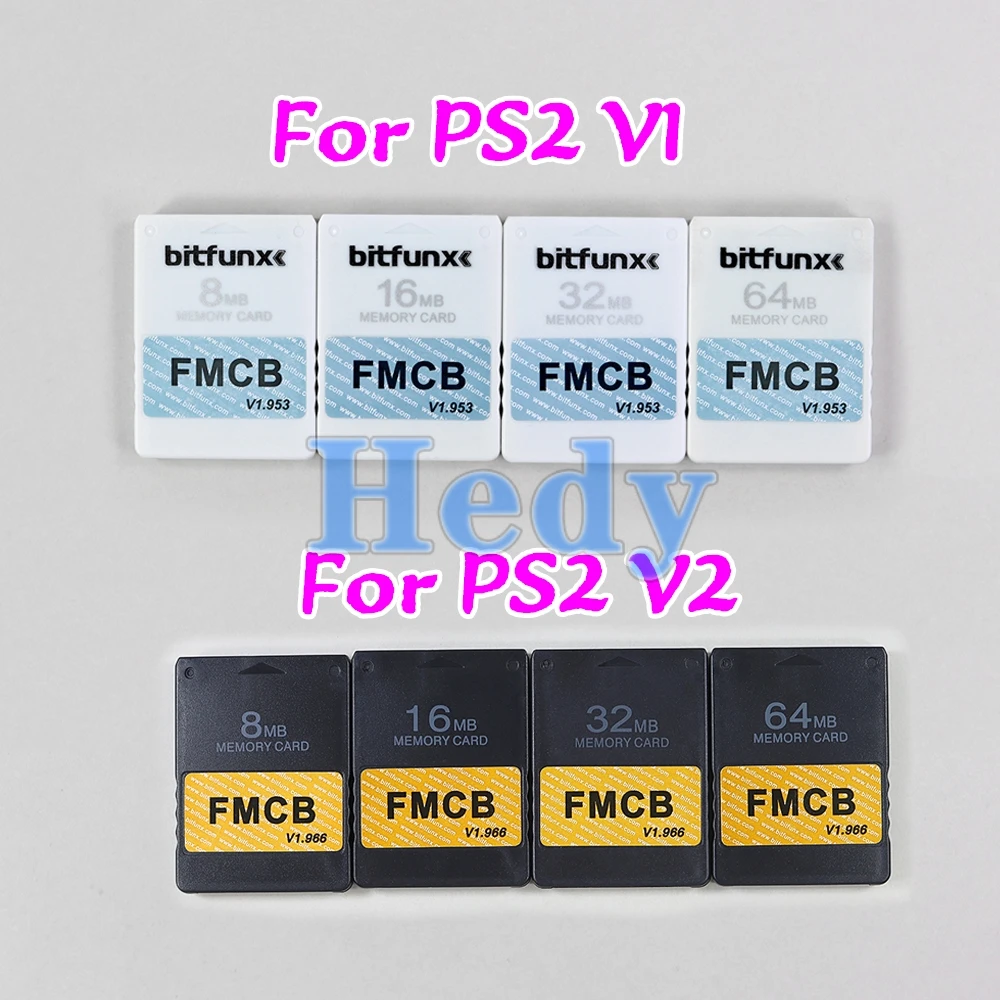
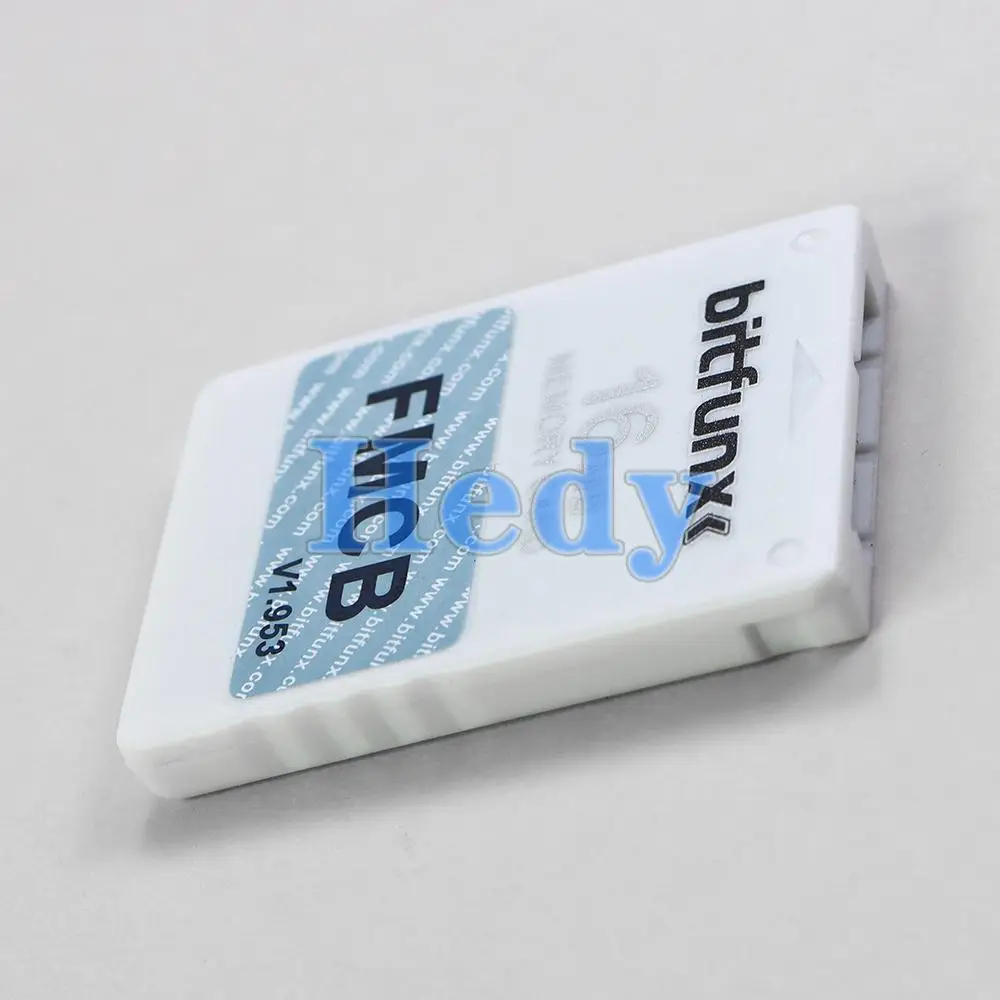
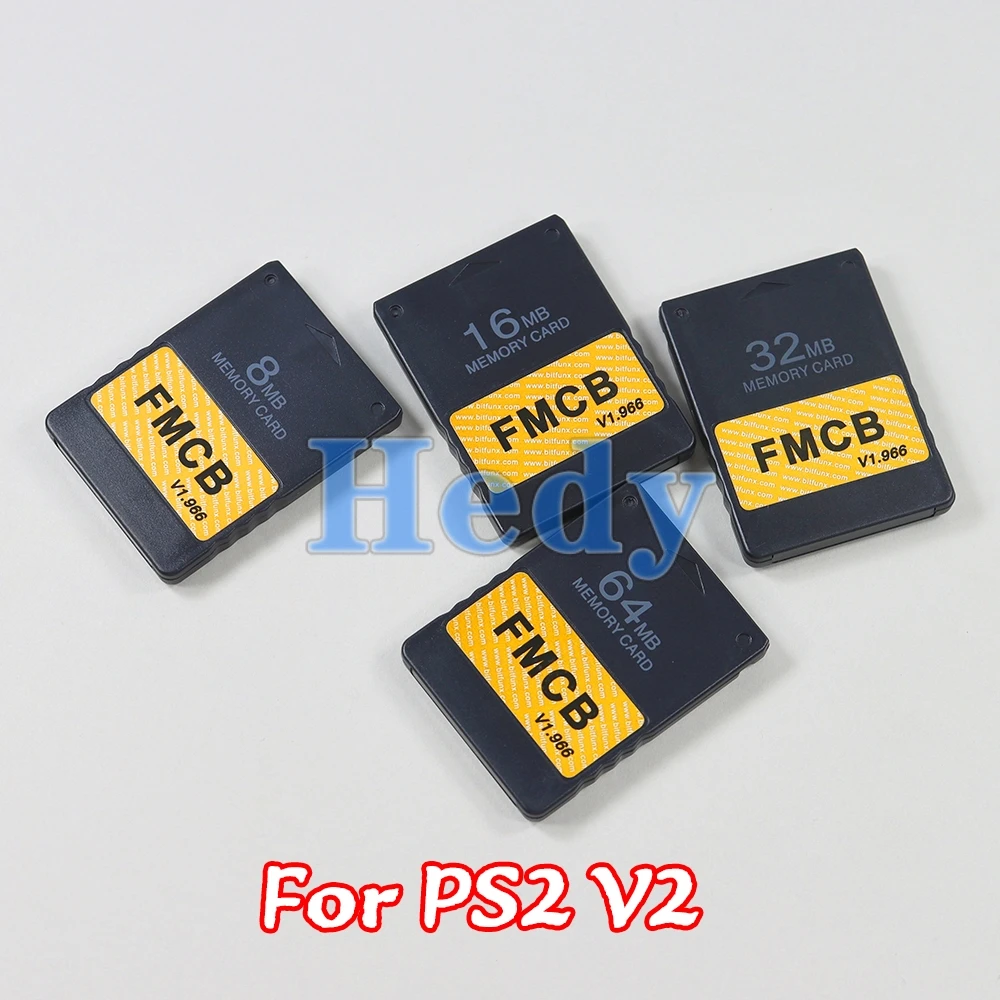
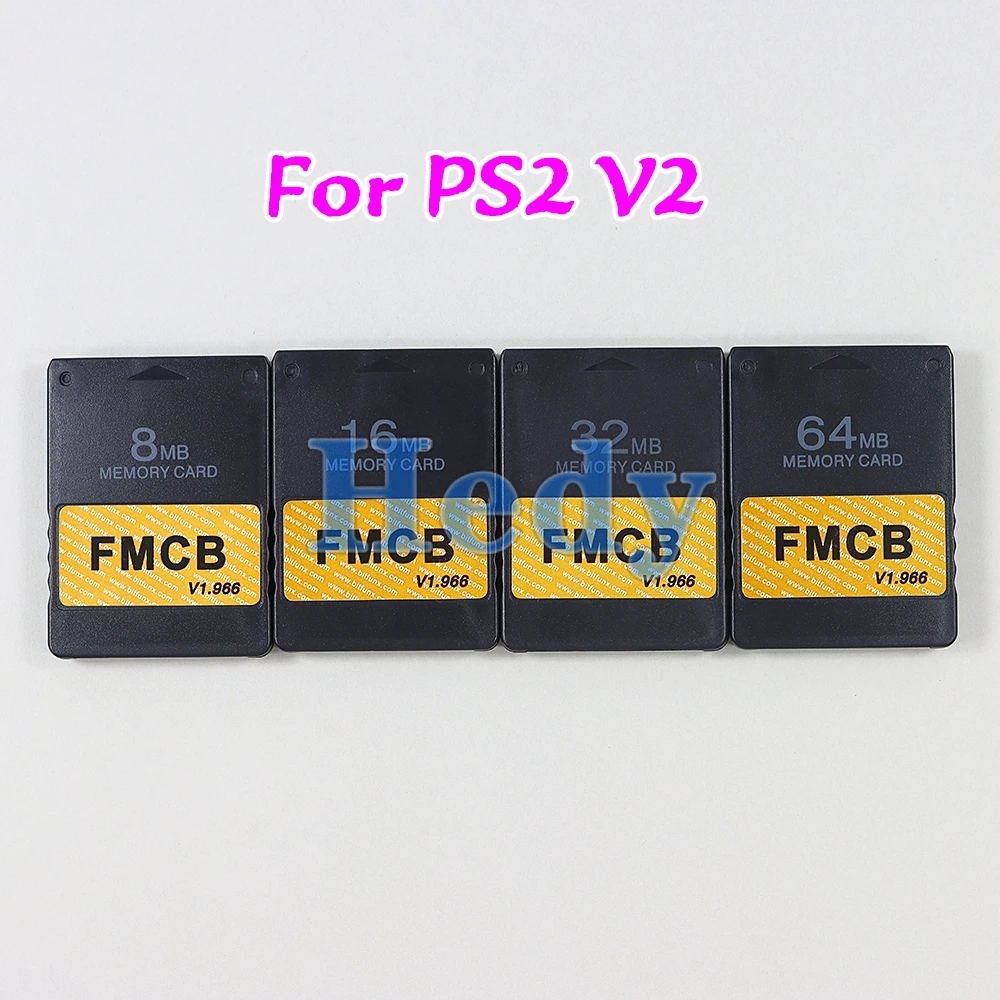
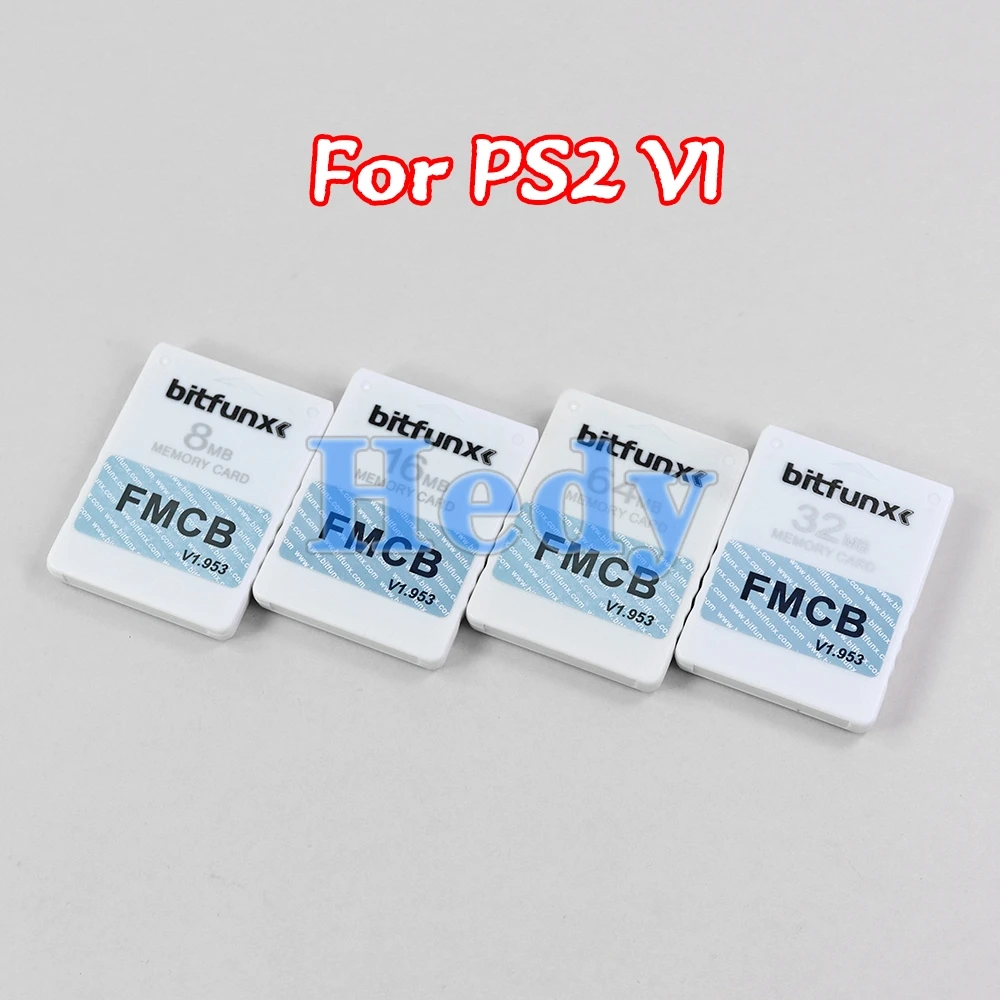
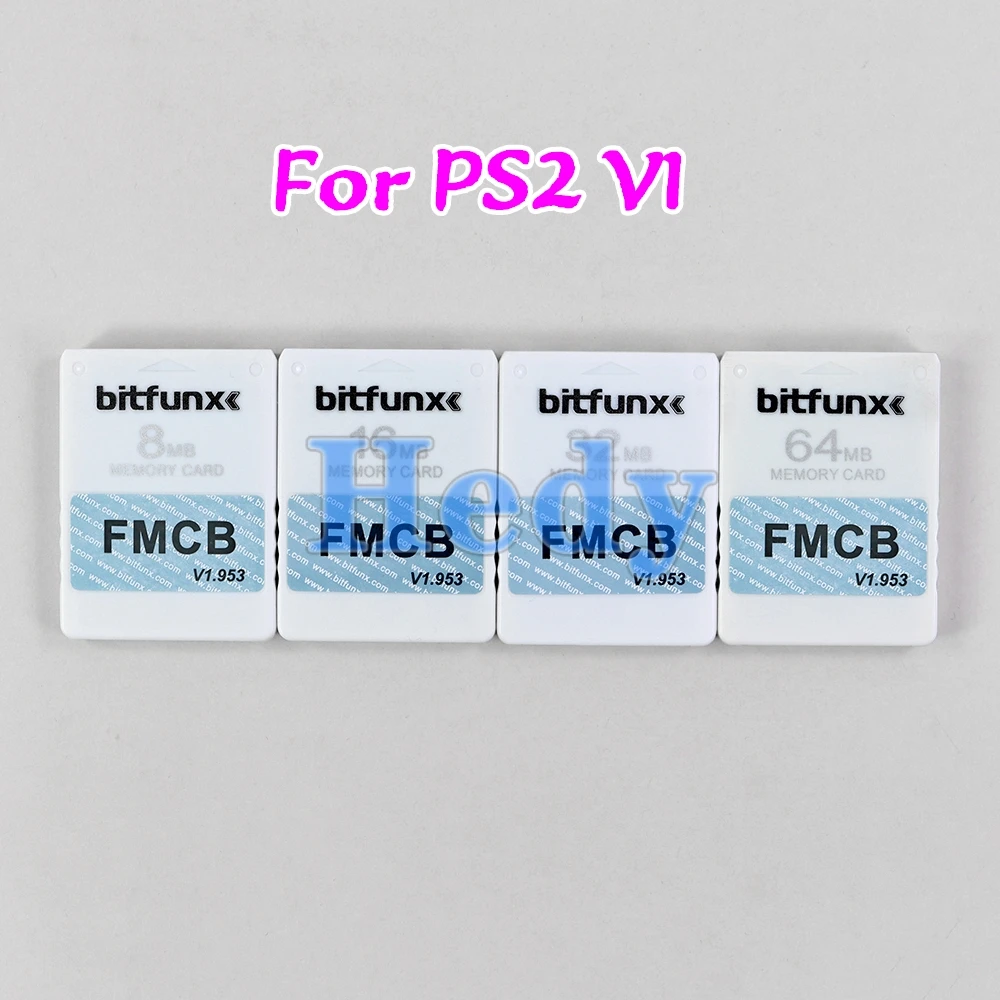
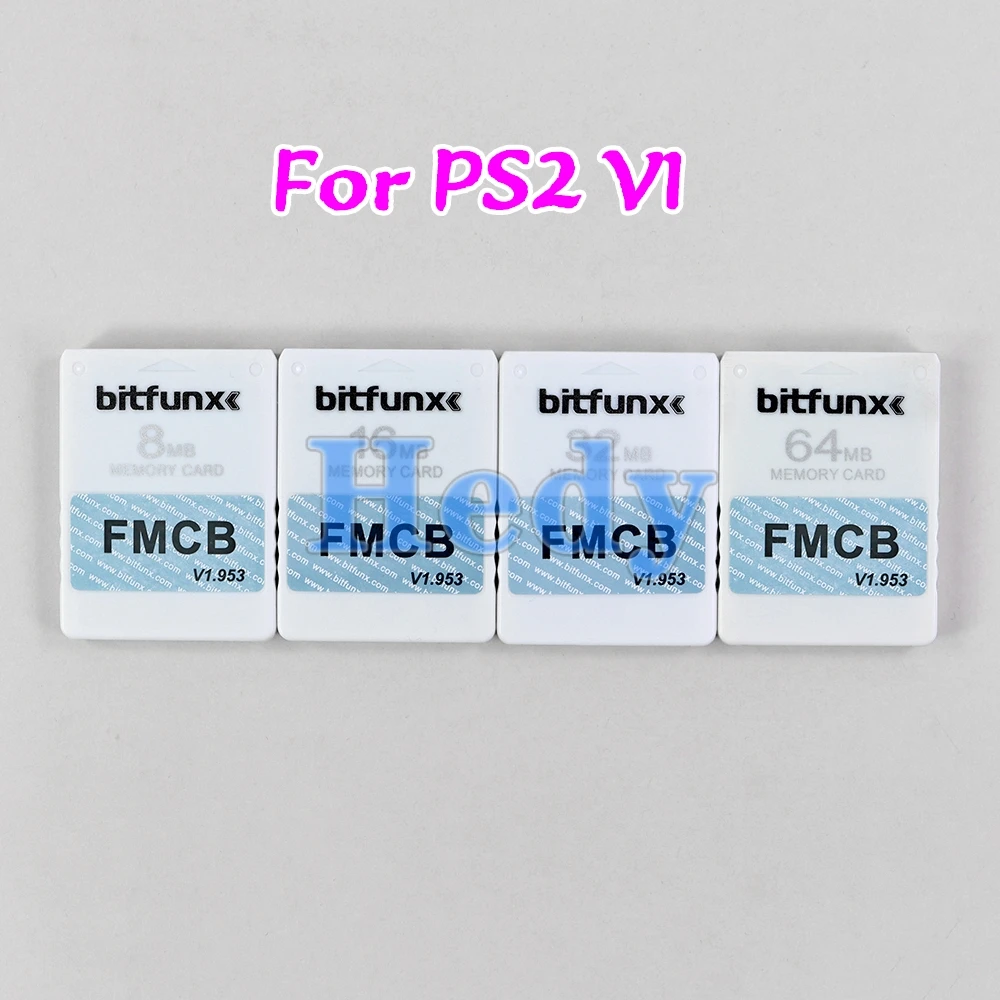
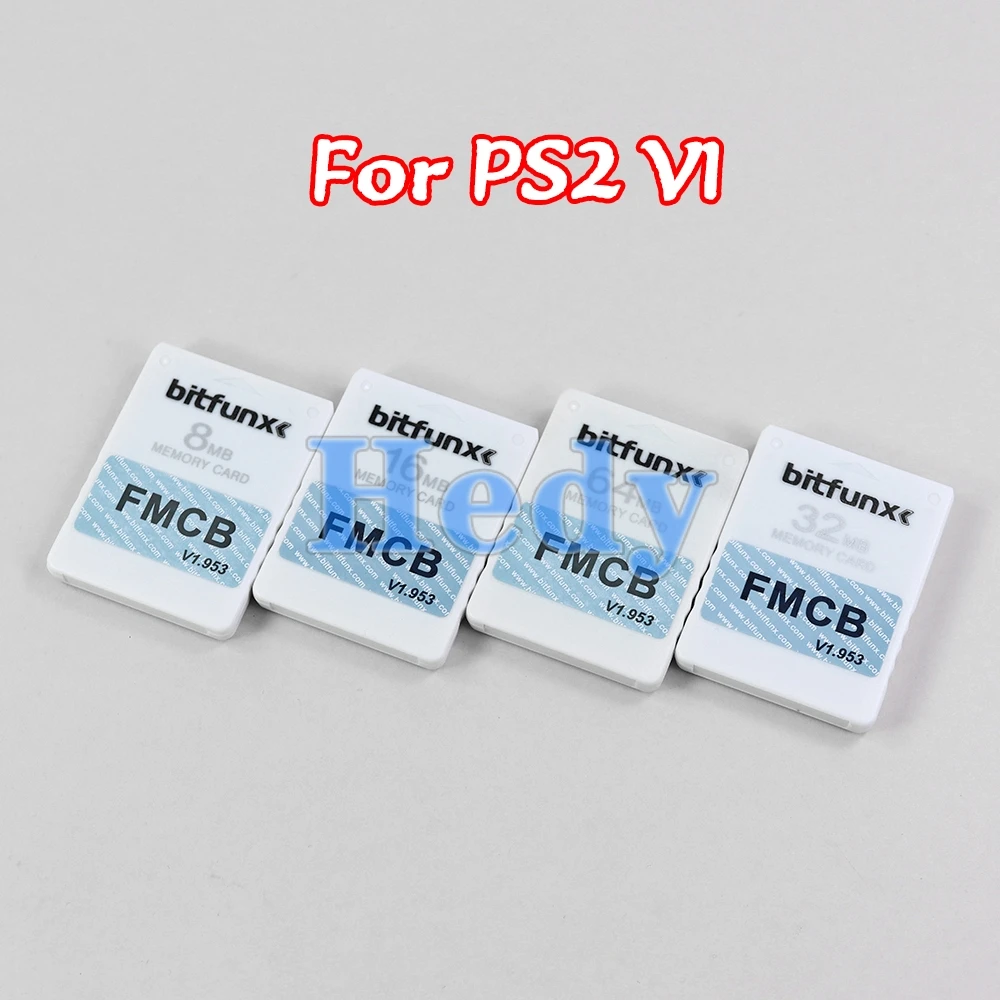
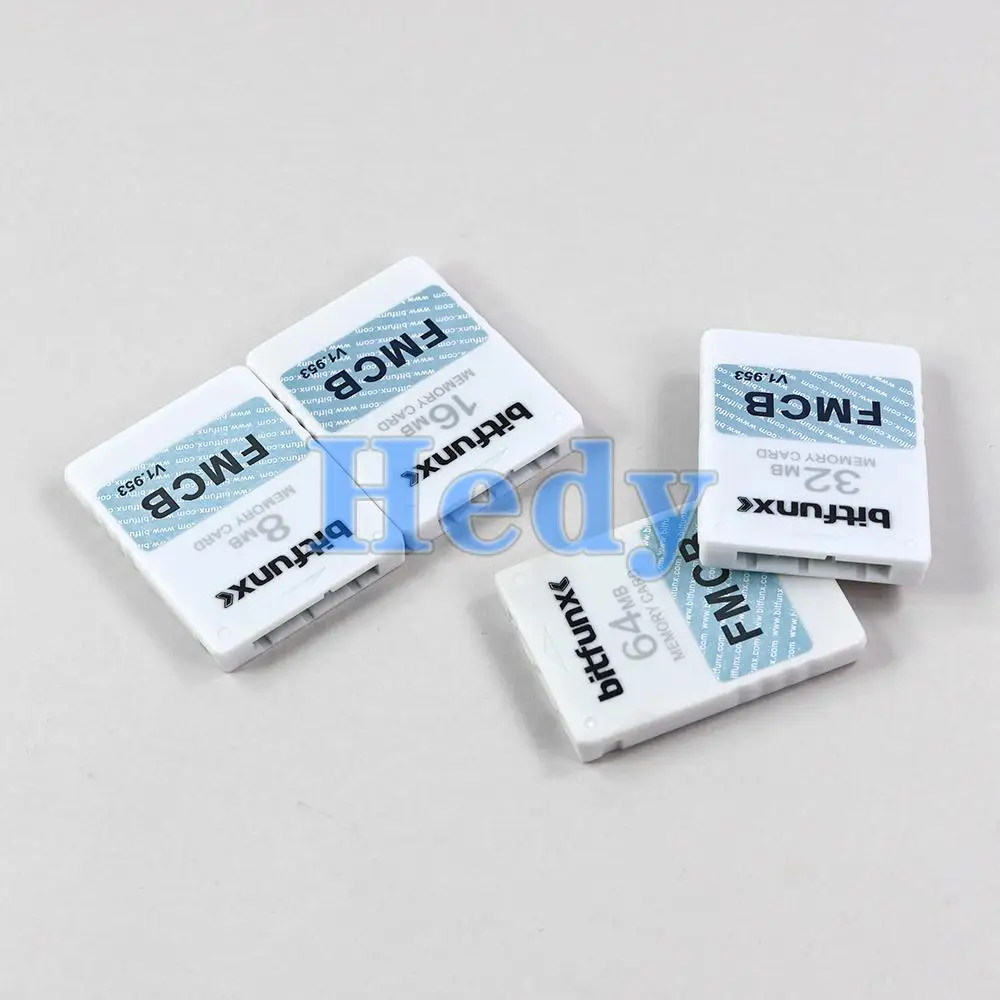
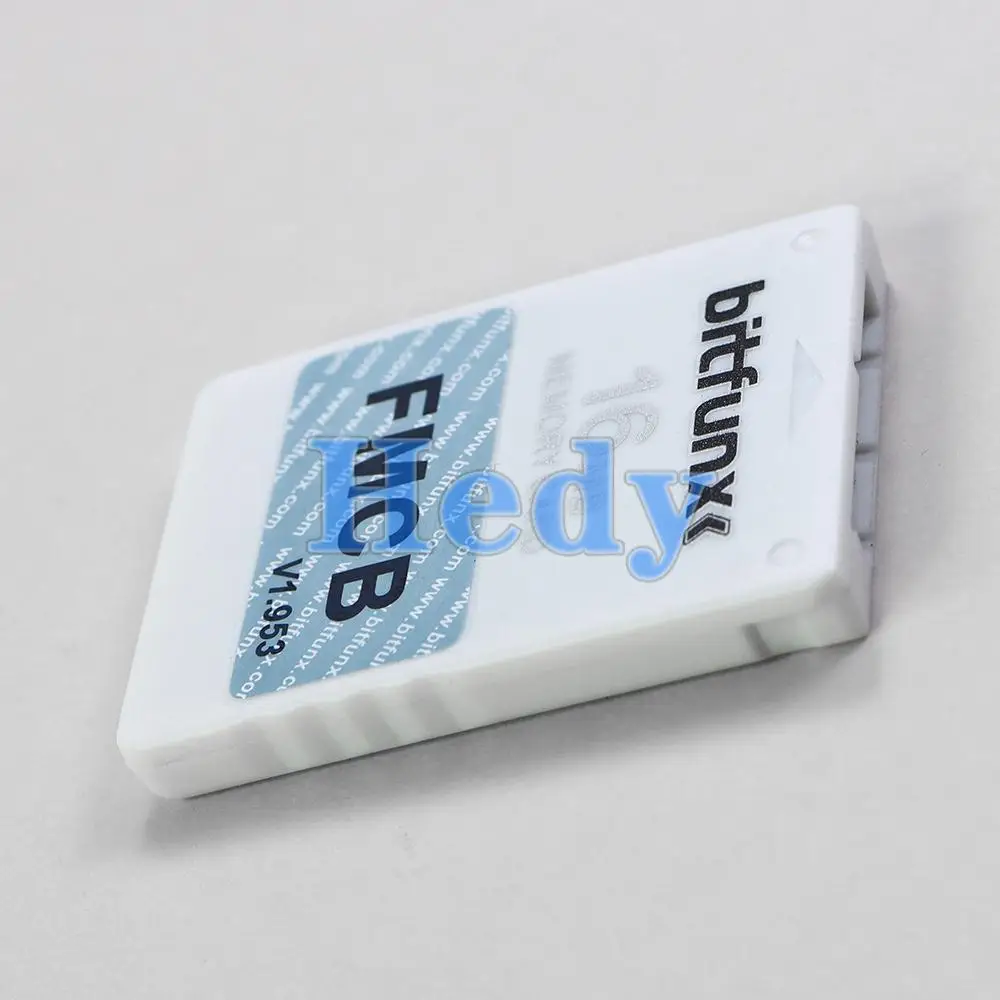
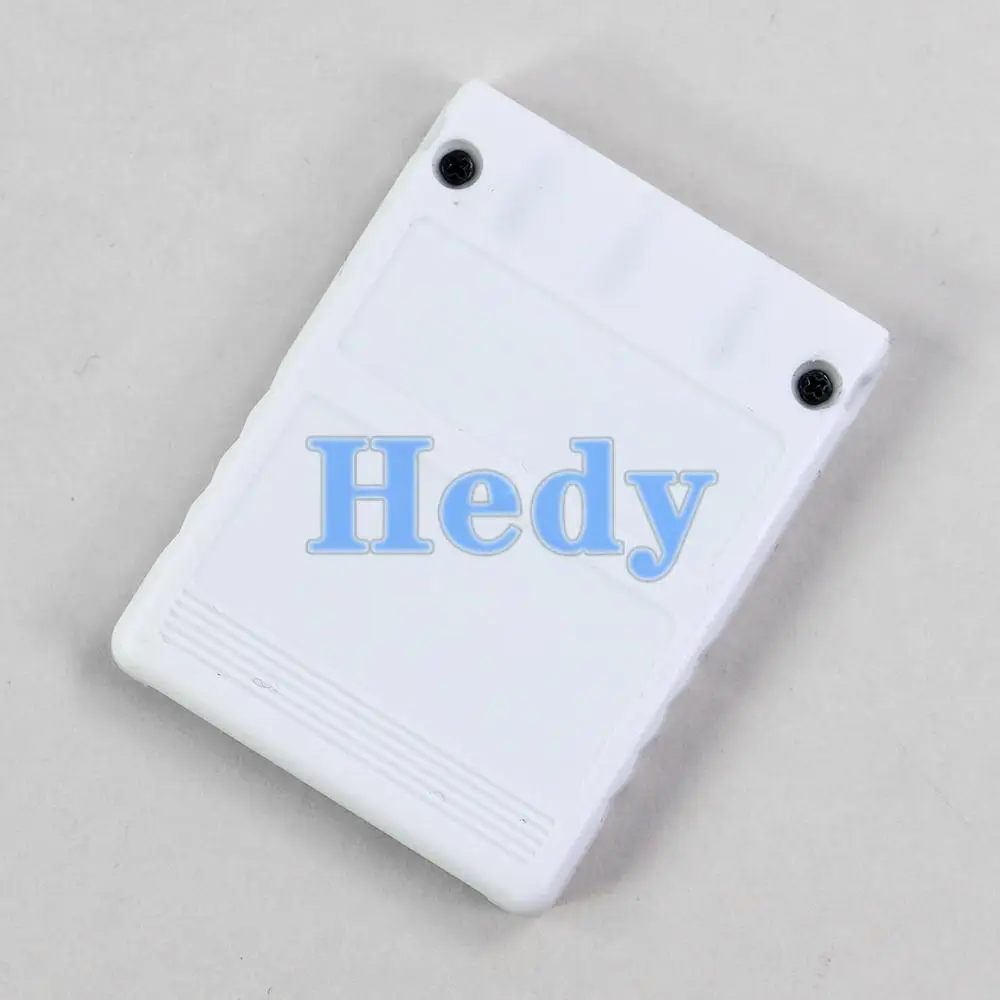
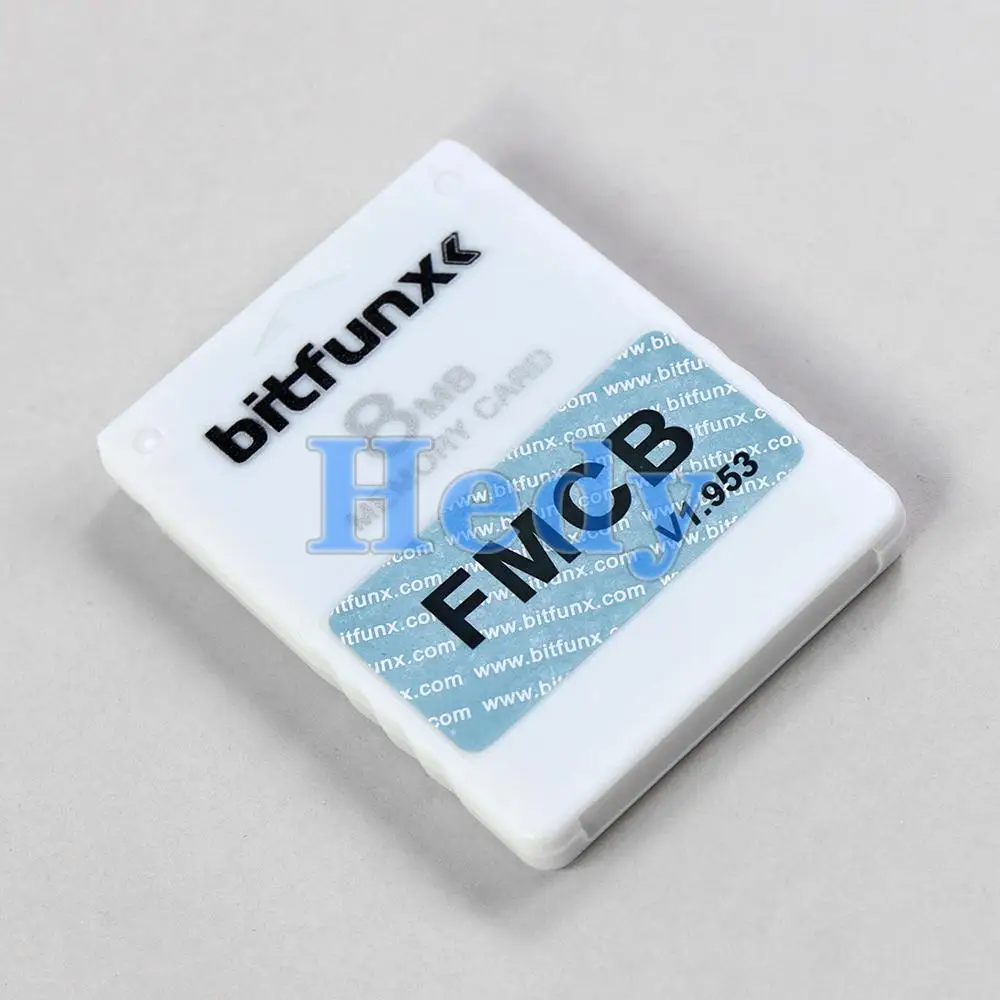
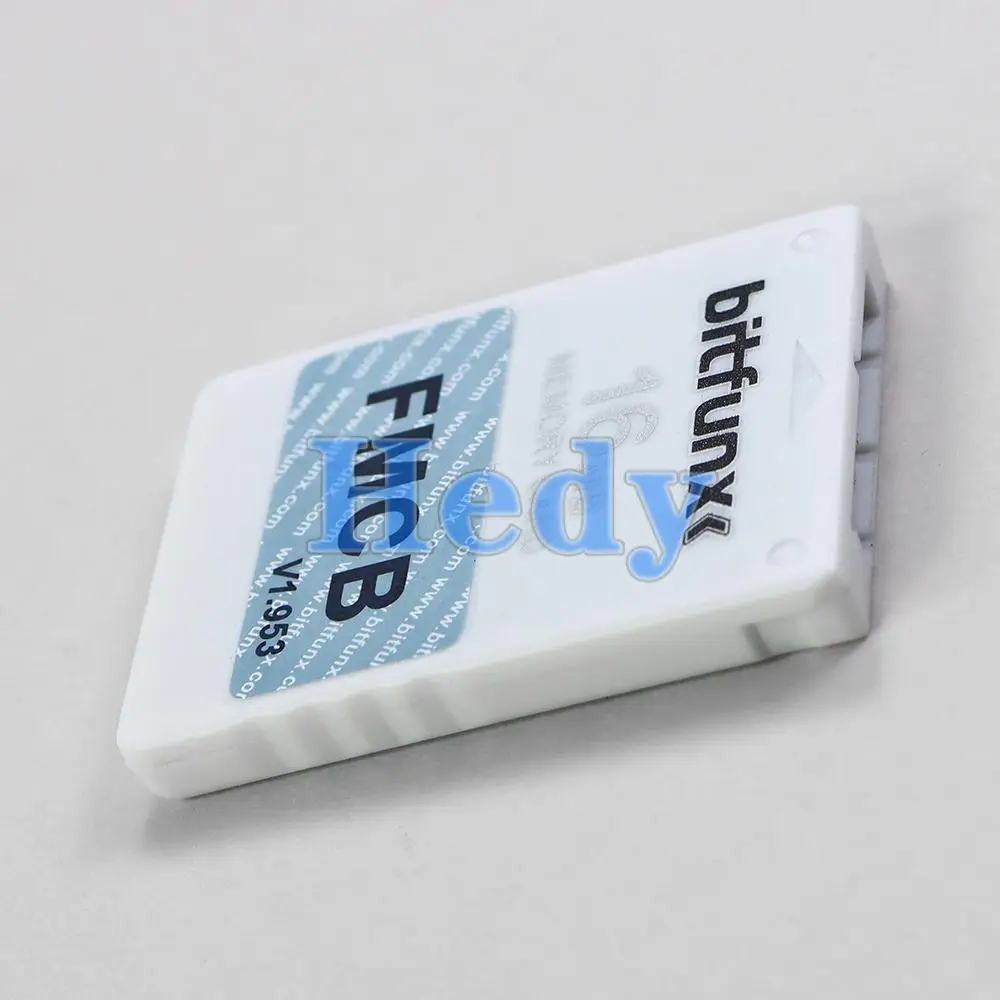
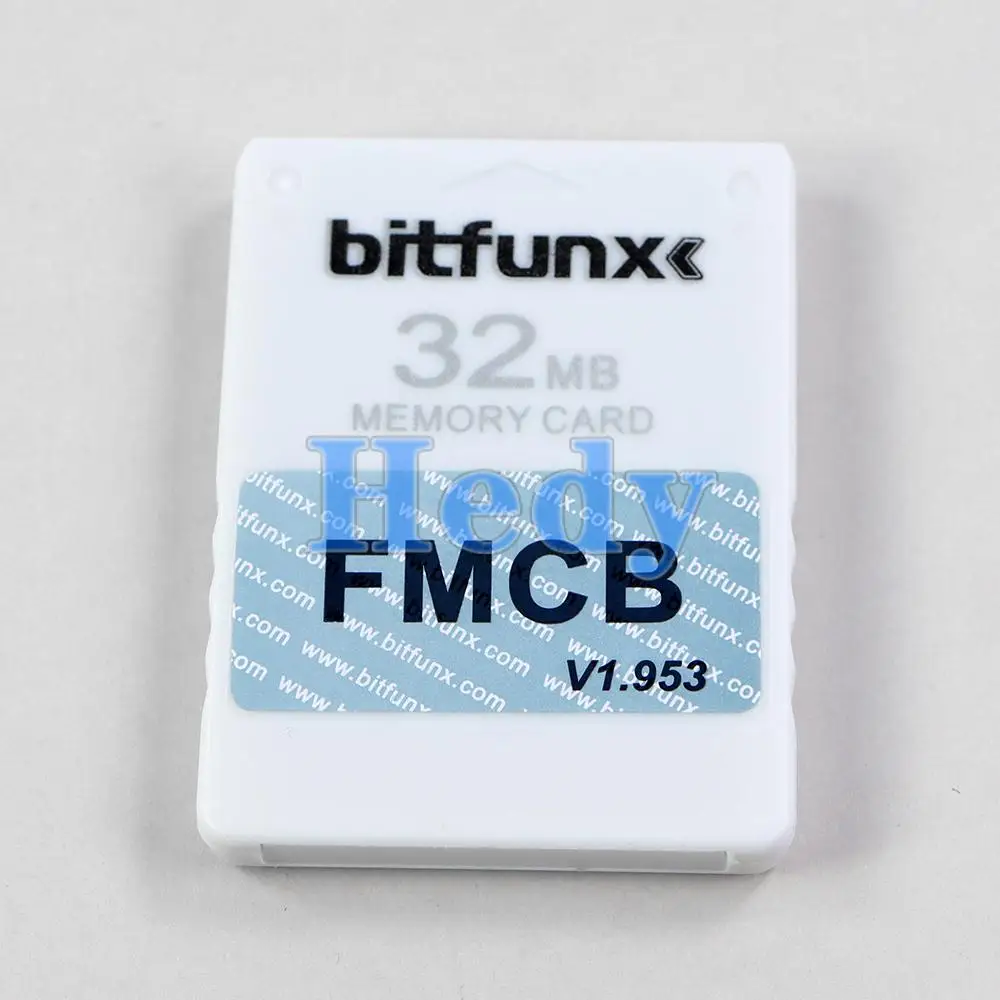
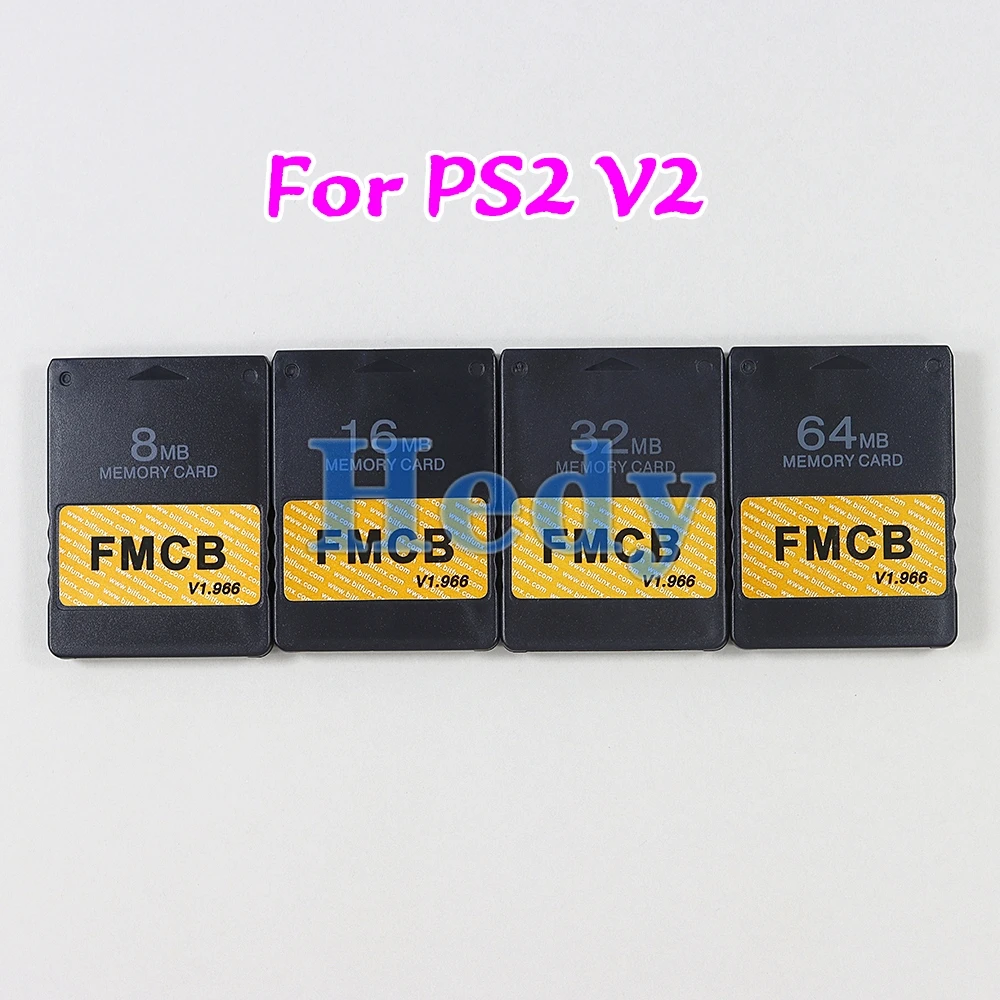
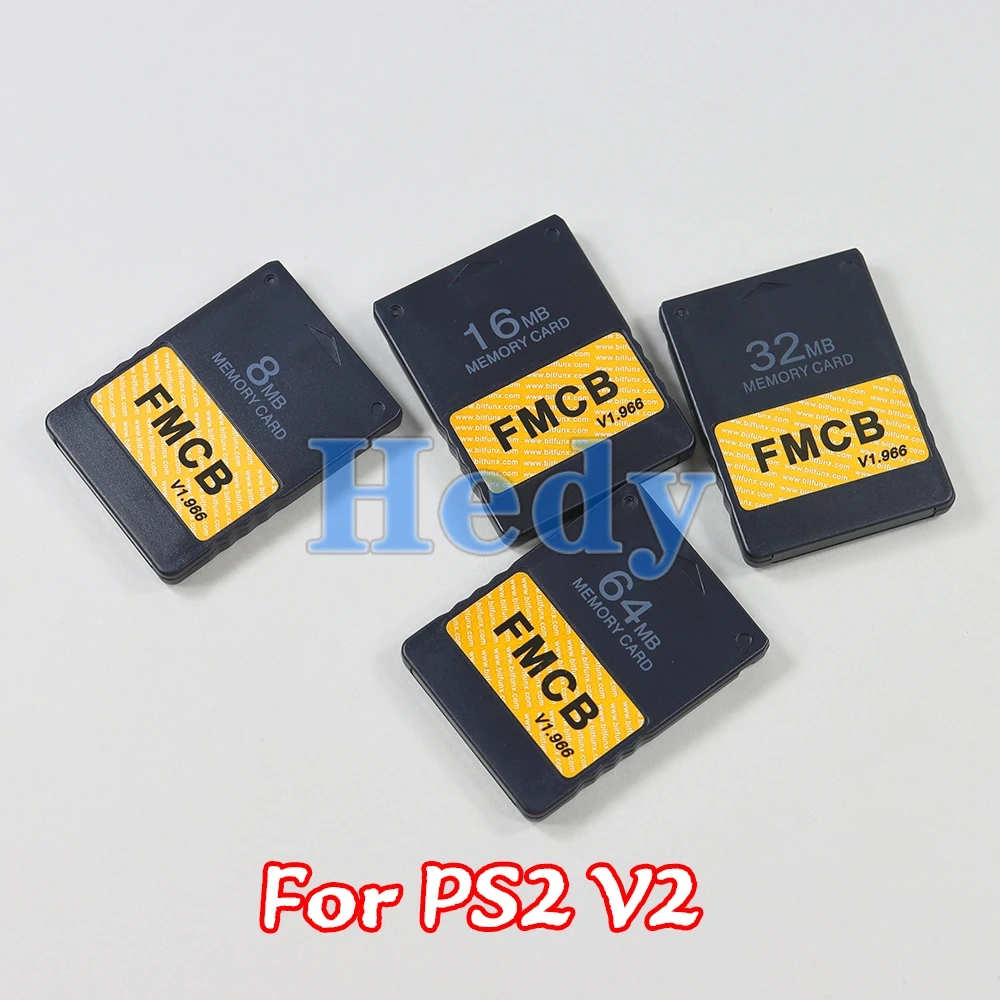
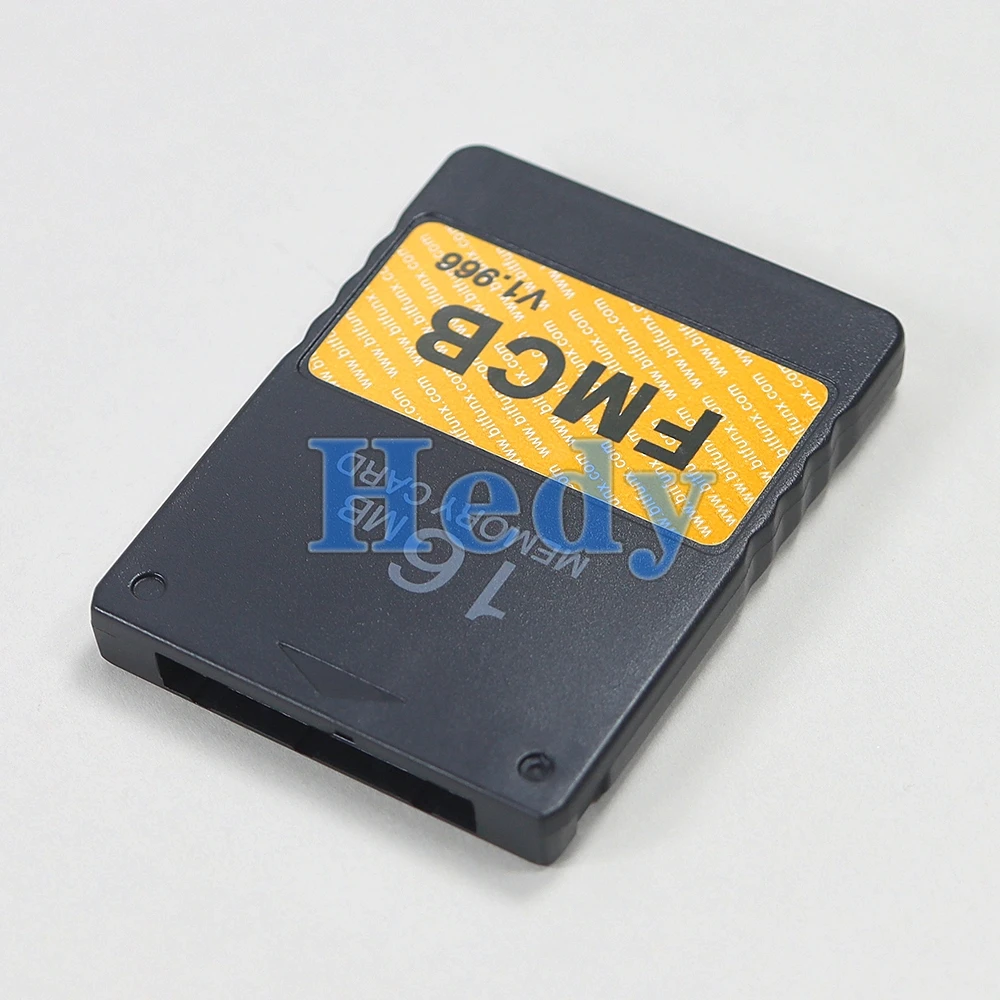
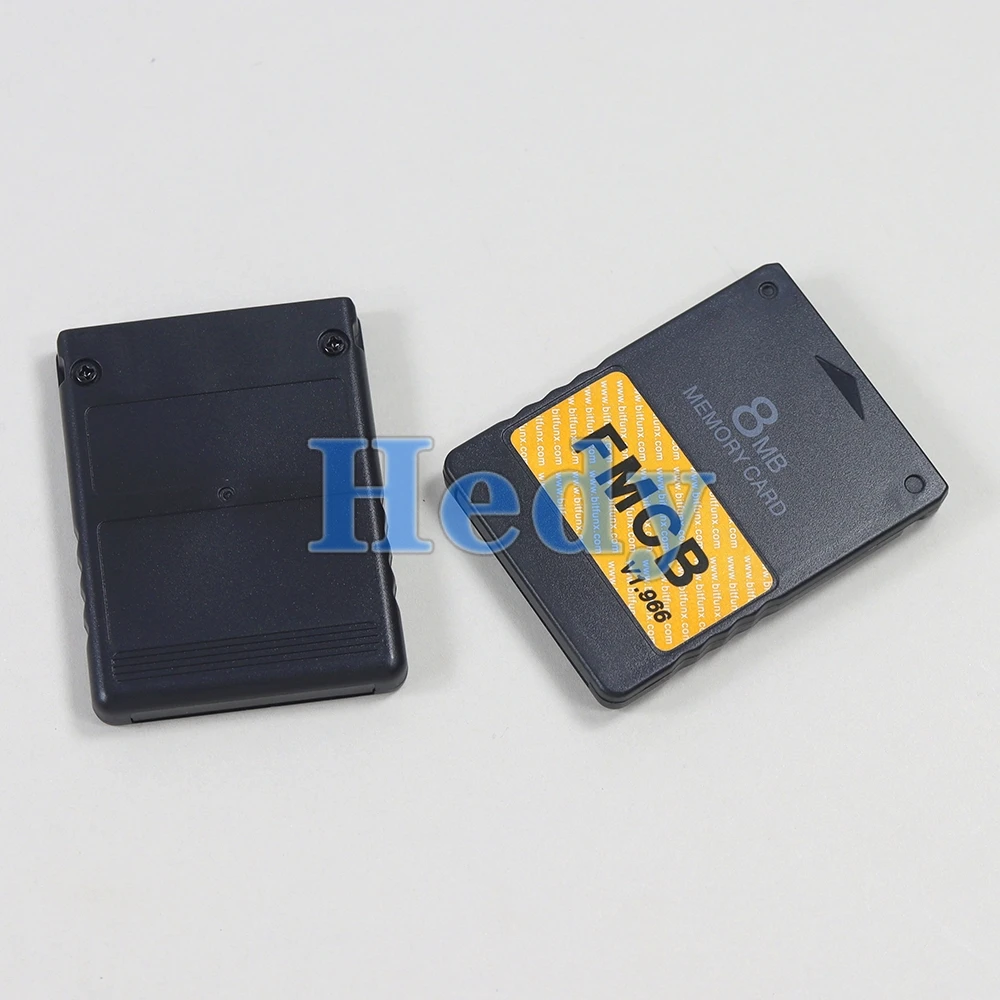
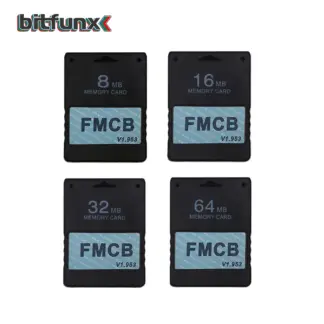
FMCB Program Card Memory Card 8MB/16MB/32MB/64MB For Playstation2 PS2 Console
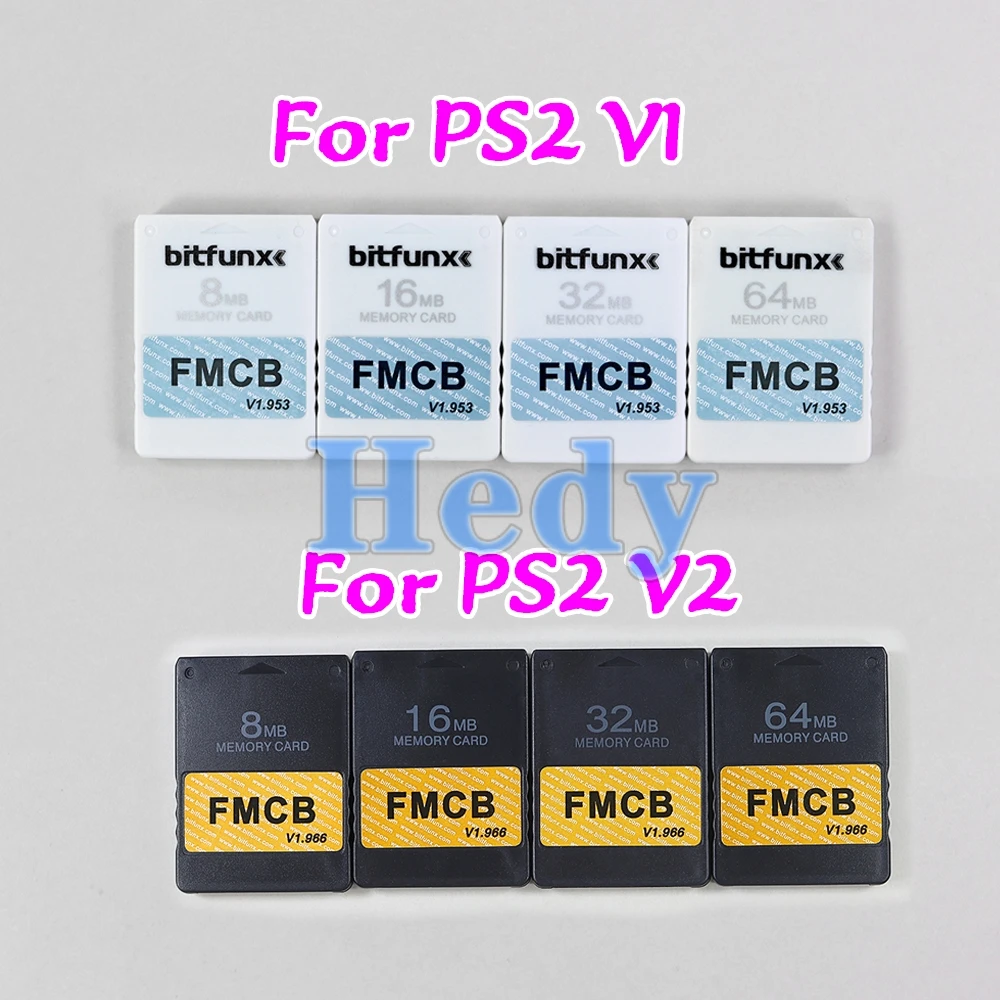
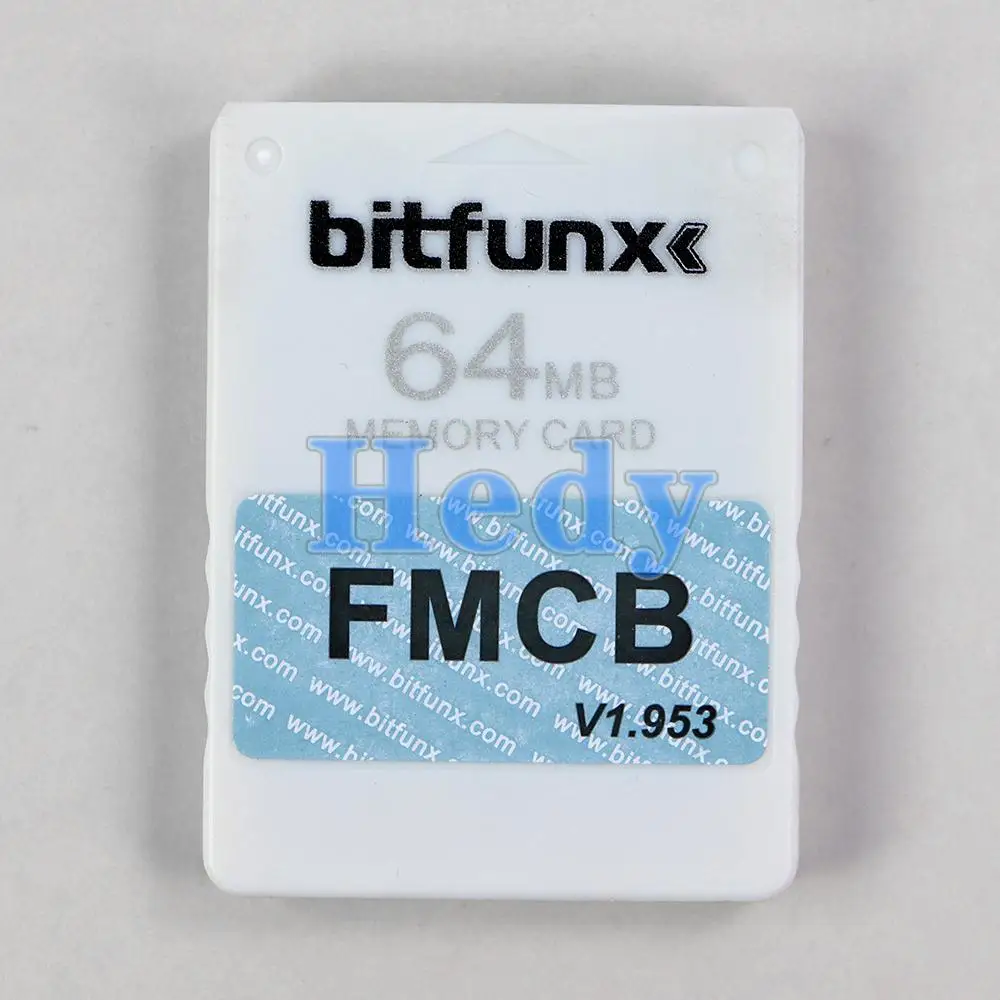
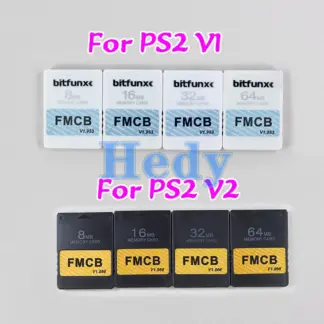
V1 V1.953
V2 V1.966
V1 White V2 Black Different program inside
Please confirm that if this product supports your console before placing an order.
What is McBoot?
FMCB is one of the most tried and tested soft mod methods you can find. It works with for PlayStation2 Memory cards and home-brew applications. It will allow you to install and run for PS2 games from a backed up. ISO file and will also allow you to play games made by smaller developers. These games are not officially Licensed and often programmed by non-professtional game designers.
FMCB allows these home-brew games to be launched on the for PS2 games console. Using FMCB simply involves downloading and installing the game. It is a fairly straightforward process that almost any regular gamer will be able to complete.
FEATURES:
Brand New MagicGate 8/16/32/64MB Free McBoot card (FMCB).
Sample and Easy, Quick plug into your for PS2 fat console and play.
Support with CHIP MOD or without CHIP MOD on your for PS2 fat console.
No Region limited, compatible with all for PS2 Fat consoles.
ATTENTIONS:
1) Connect only one FMCB card at a time.
2) Don’t save additional game data to the FMCB as this may cause file corruption. Always save game data to a secondary non-modded for PS2 memory card.
3)Turn off the power of the for PS2 before removing the FMCB.
Compatibility
SCPH-10000/15000 Supported
SCPH-1800x Supported
SCPH-3xxxx Supported
SCPH-5xxxx Supported
SCPH-7xxxx Supported
SCPH-9xxxx Partly Supported
*SCPH-9xxxx series number has some models that are supported and some that are not.
SCPH-9xx(7c,7d,8a,8b) are all supported
SCPH-9xx(8c) if bios is v220 are all supported
SCPH-9xx(8c) if bios is v230 are notsupported
SCPH-9xx(8d,9a,9b,9c,9d,0a,0b,0c,0d,1a,1b,1c,2a,2b,2c,2d) are not supported
Operation Software:
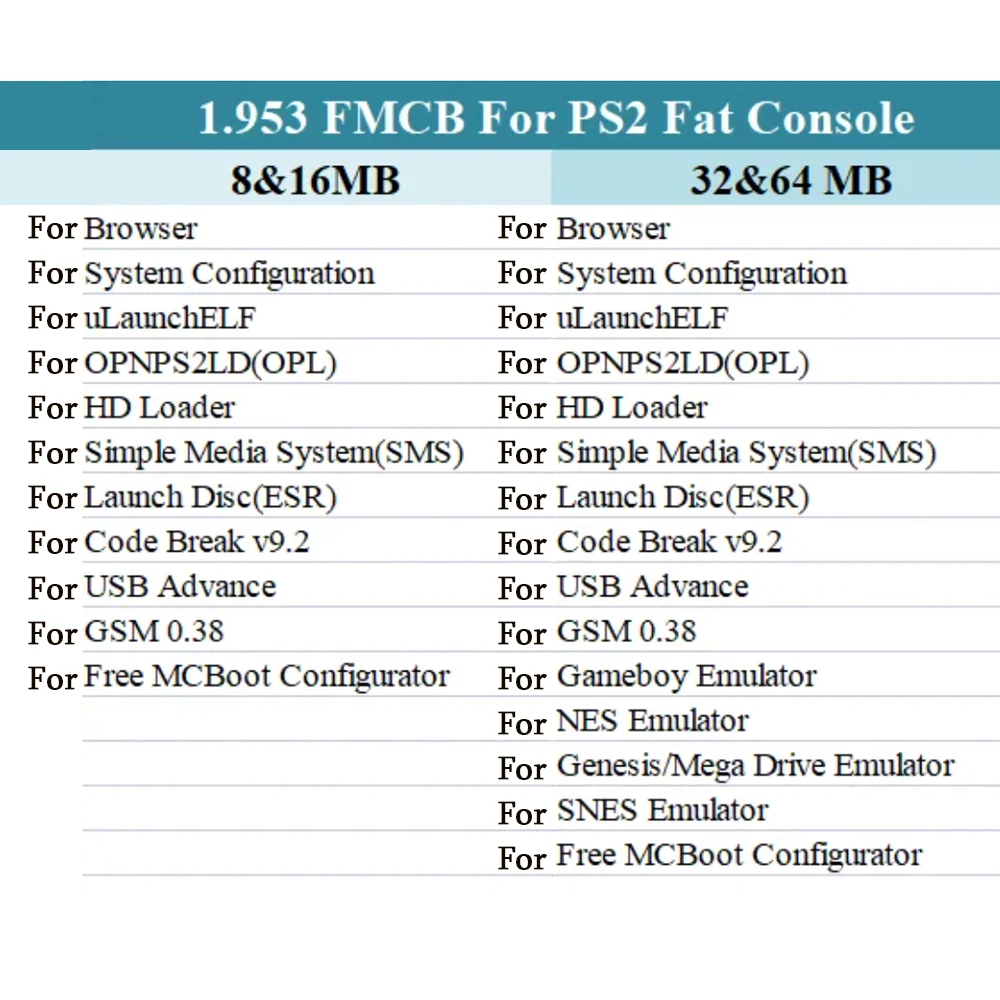
Codebreaker 9.2
Comes with codebreaker9.2 as standard for all your gaming needs.
GSM
Allows display to be output at 1080i creating a clear and concise image.
ULaunchELF
Allows access to for PS2 root folders as well as HDD and USB Access.
uLaunchELF
uLaunchELF also known as uLE (abbreviated) is an open source file manager and executable launcher for Playstation 2 console based off of the original LaunchELF. It contains many different features, including a text editor, hard drive manager, as well as network support, and much more.
OPENPS2Loader
Open for PS2 Loader(OPL) is an application designed to allow you to play your For PS2 games from an Internal HDD, a connected USB device, or a networked PC from a For PS2 console.
You will need to use specialized software designed to install those games to your devices either directly from your game discs or ISO files stored on your PC. WinHIIP is an example of PC software which allows your For PS2 hard-drive to be formatted and configured correctly for OPL usage. OPL supports NTSC, PAL, or JAP ISO images. So your console can be truly ‘multi-region’codebreaker is set up to run through OPL so cheats can be applied to backups and For PS2 ISO games.
OPL is by far the most widely used Mcboot software application and the OPL team continue to make updates for the software to this day.
Code Break v9.2
Code Breaker is an cheat device developed by Pelican Accessories, currently available for PlayStation, For PlayStation2, For Dreamcast, For Game Boy Advance, and For Nintendo DS. It is one of the few currently supported video game cheat devices.
Though previous versions of the For PlayStation 2 Code Breaker were plagued by limited functionality, later versions were lauded for features such as a simple, uncluttered menu and ‘typing’systems. Version 9 added support for USB keyboards.
Unlike other cheat devices which store cheat codes on proprietary storage devices, the For PlayStation 2 Code Breaker stores codes on memory cards, thus cutting down on manufacturing costs. Saves can also be copied from USB flash drives.
The device’s official web site, Codetwink, run by CodemasterX, (who also coded the entire cheat engine and cheat code types in the product) provides codes posted by the former Game Shark Code Creators Club.
Codebreaker is set up run through OPL , so cheats can be applied to backups and For PS2 ISO games.
Usage Notes
At first, confirm that if FMCB can support your console or not.
If your still having issues please try the following:
Firstly, make sure there are no games inserted in the For PS2, just 1 controller connected and nothing in the USB ports.
Put the FMCB in slot 1 and switch on the For PS2. When it loads up, go into the browser and verify that you can see the McBoot installation files (there should be approx 7-8 files).
If you can’t see these files, turn off the For PS2, take out the memory card, and then switch the For PS2 back on. Go into browser and then insert the memory card into slot1.
It should now detect on the browser and you can see the memory card. Go into the memory card, and confirm you can see the McBoot files. (Approx 7-8 files).
From this screen, simply press reset once on the console and then console should boot into McBoot. If it doesn’t, repeat the process but try it on slot2 repeating the same steps as above.
FAQ:
When I plug it into the For ps2 console and power on, it's not work. The For ps2 console can't find FMCB.
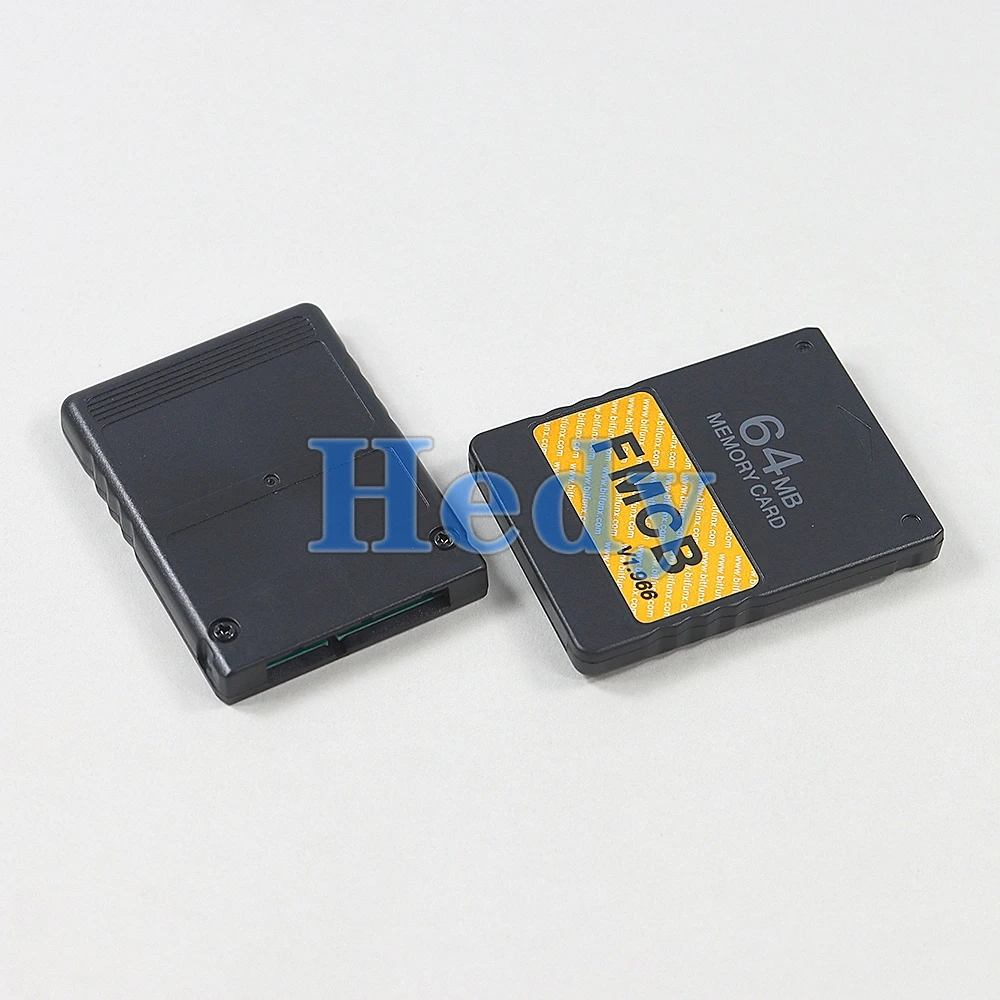
This situation is mostly caused by poor connection between FMCB and the For PS2 console, in other words the gold finger of the FMCB board and the For PS2 console are not in good connection. There are two steps fix it out. Step 1.You need open the FMCB card with Philips screwdriver and clean the dash on the gold fingers on the pcb board. Step 2. Fix the PCB board position on the case, make sure the pcb board lying flat and not skewed. Then you can assemble back and test it again.
What is the OPL ? what can I do with OPL ?
Open For PS2 Loader (OPL) is an application designed to allow you to play your backup games from an Internal HDD, a connected USB disk or USB Hard disk.
How to install backup games into internal IDE HDD ?
The internal HDD is the normal 3.5 IDE HDD, if you are using a SATA network adapter, you can use 2.5'' and 3.5'' Hard Disk. If you have For ps2 console SPCH-3xxxx or SPCH-5xxxx, congratulations ! With the Network Adapter , you can use the OPL which has been installed on the FMCB to play backup games in the internal HDD, the games run fast and smoothly.
But how games are installed into the HDD. Frist you need to connect your IDE/SATA HDD to your computer, Then use the windows Software WinHIIP to instal the For ps2 Games into your harddisk.
How to burn backup games into USB disk or USB Hard disk ?
1. Format your usb disk
Run theFMCBcard in your For ps2 console, plug your usb disk to console and then open the software USBAdvace which has been installed in your FMCB , then choose your usb device and click the format button on the right side of the screen.
2. Burn games into your usb disk which has been formatted
Open USBAHD_GameInstall.exe (you can get it from google) and chose the iso games and burn it to your usb disk.
3. Replug you usb disk to your console and use the USBAdvance or OPL to play games.
Reviews
There are no reviews yet.